
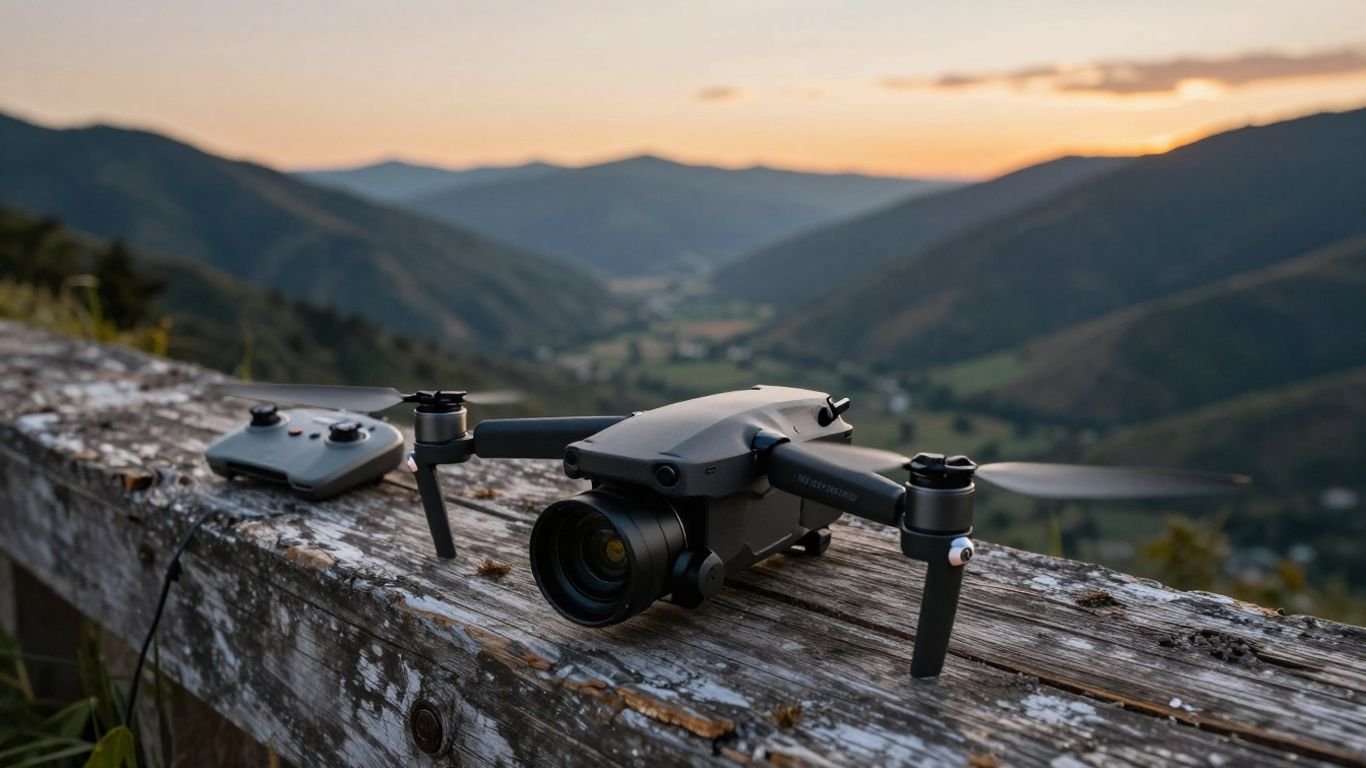
DJI Mini (original) review: Specs, features, flight time, and whether it’s still worth buying

Key Takeaways
The DJI Mini (original) remains an approachable first camera drone, especially when found in good condition at a sensible used price.
- Its 249 g takeoff weight makes it easy to carry and relevant to weight-based drone rules.
- The 12 MP camera captures 2.7K video and stabilized stills in good daylight.
- The advertised 30-minute flight time is a best-case figure, not a typical guarantee.
- Its lack of obstacle avoidance demands careful, actively managed flying.
- Newer small drones offer stronger cameras, transmission, and automation, so price matters most.
What the DJI Mini (original) is and who it is for
The DJI Mini (original) arrived as a small, foldable camera drone aimed at people who wanted an uncomplicated way into aerial photography. It is light enough to slip into a small bag, yet it has GPS-assisted positioning and a three-axis gimbal rather than the feel of a toy. The right buyer is a beginner, traveler, or casual pilot who values portability more than the newest imaging features. Before buying one now, though, condition and software support deserve as much attention as the headline specifications.
How the original Mavic Mini fits into DJI’s lineup
Originally sold as the Mavic Mini, this aircraft established the compact Mini format around a 249 g takeoff weight and a beginner-friendly flying experience. It sits below larger camera drones in size and ambition: the design favors simple aerial photos and video over professional flexibility. The official Mavic Mini specifications are useful when checking a used listing because they separate aircraft, gimbal, sensing, and camera details instead of reducing the drone to one marketing number.
That positioning still makes sense for a first flight. You get a proper remote-controlled aircraft with GPS and a stabilized camera, but not the broader safety and imaging toolkit found on later generations.
Key design choices and portability benefits
Folded, the aircraft measures 140 × 81 × 57 mm, and its arms open into a small quadcopter that is straightforward to carry. The low weight is the most consequential design choice: it reduces the burden of travel and can affect the rules that apply, although local regulations still need checking. The lightweight body also means the drone is more affected by wind than a larger aircraft.
Portability changes how often a drone gets used. A camera drone that lives in a drawer is less useful than one that can travel on a walk, provided the pilot accepts that small size does not remove the need for cautious operation.
Best use cases for beginners and casual pilots
This model suits calm-day landscape clips, holiday memories, property overviews where legally permitted, and practice with basic camera movements. It is also a reasonable learning platform for understanding battery management, line of sight, GPS positioning, and the relationship between wind and control response. For a broader look at beginner-friendly flying, our beginner drone guide offers useful context without assuming that every new pilot needs a premium aircraft.
The best results come from modest expectations. Slow pans, steady climbs, and scenes with plenty of daylight play to the drone’s strengths, while fast action and complex tracking quickly expose its age.
Important limitations compared with newer DJI Mini drones
The original model does not include an obstacle avoidance system, so it cannot be treated as a drone that will reliably detect and steer around trees, wires, buildings, or people. Its camera is limited to 2.7K video, and the transmission system is less capable than later designs. Those limits do not make it unusable, but they make pilot awareness central to every flight.
It also lacks the newer conveniences buyers may now expect, such as more advanced subject automation, stronger low-light performance, and more flexible social-media framing. A low purchase price should therefore be weighed against the age of the batteries, controller, and app ecosystem.
DJI Mini (original) specs and flight performance
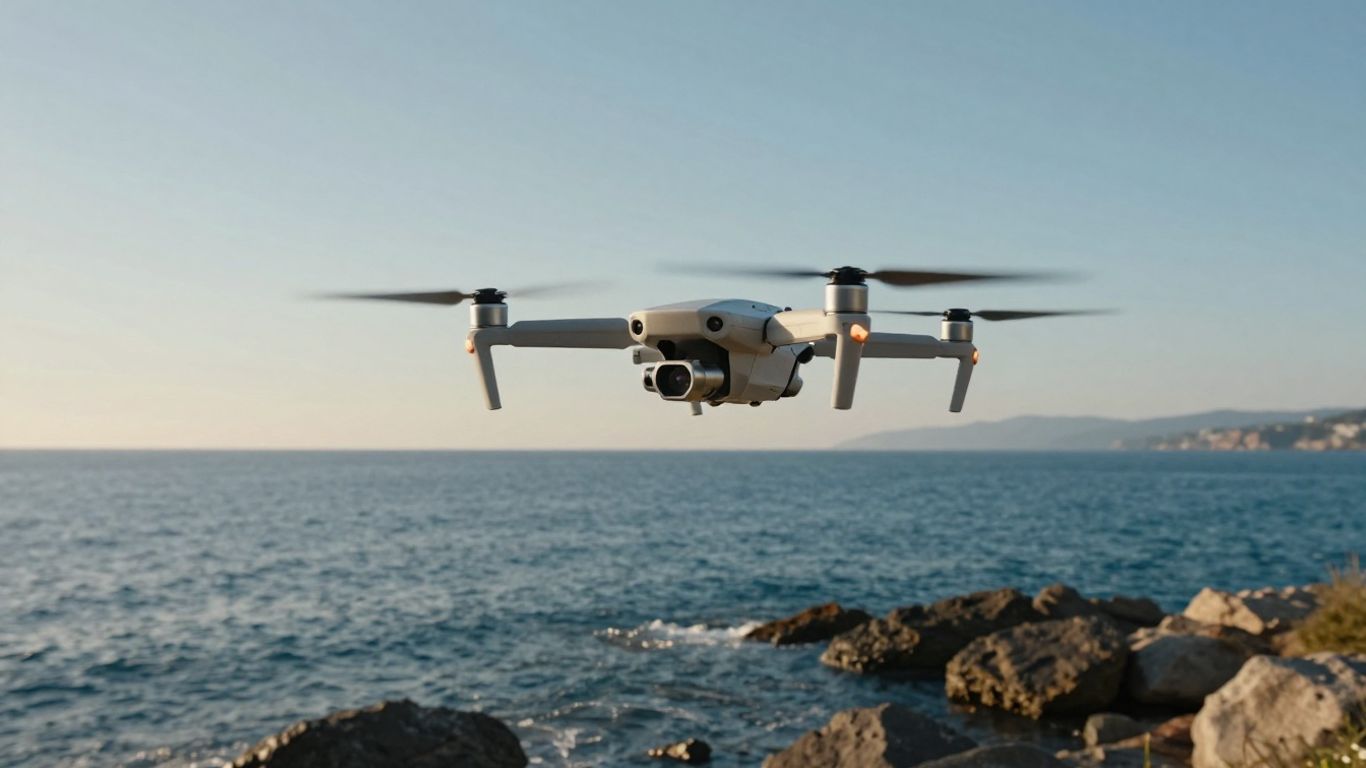
On paper, the DJI Mini (original) has a well-balanced set of specifications for a first camera drone. Its 12 MP sensor, three-axis stabilization, GPS positioning, and claimed 30-minute maximum flight time cover the basics without making the aircraft cumbersome. Real-world performance depends on wind, temperature, battery condition, and how aggressively the pilot flies. The figures below are best read as boundaries rather than promises.
Camera resolution, photo formats, and video capabilities
The camera uses a 1/2.3-inch CMOS sensor with 12 effective megapixels and a 24 mm-equivalent lens at f/2.8. Still images are available at 4000 × 3000 in 4:3 or 4000 × 2250 in 16:9, while video reaches 2.7K at up to 30 frames per second and 1080p at higher frame rates. The camera records ordinary, practical footage rather than giving editors a large margin for cropping.
The Mavic Mini download center is worth checking before purchase because manuals and software resources matter with an older aircraft. A microSD card and a sensible file-management routine are also part of the camera setup, not optional afterthoughts.
Battery options and expected flight time
The published maximum flight time is 30 minutes, measured in windless conditions at 14 kph. That controlled test does not account for reserve power, colder weather, repeated climbs, or an aging battery, so a used example will often offer less time in the air. Plan each flight around a conservative return point rather than waiting for the final percentage.
Battery history is especially important on the second-hand market. A drone with two tired batteries may be less useful than a package with one healthy battery and a lower asking price, because replacement costs can change the value calculation quickly.
Transmission range and connection reliability
The original aircraft uses an enhanced Wi-Fi-based connection, with published range figures varying by regulatory region and test conditions. One technical overview describes a maximum range of up to 4 km, but that should not be interpreted as a target for normal flying or as a guarantee in a built-up area. Obstacles, interference, local power limits, antenna orientation, and line of sight all affect the link.
Keep the controller antennas sensibly oriented and fly where you can see the aircraft. If the connection weakens, the correct response is to reduce distance and bring the drone back, not to keep testing the boundary.
Wind resistance, speed, and overall handling
The aircraft is rated for wind resistance up to 8 m/s, and its maximum speed near sea level in no wind is 13 m/s in Sport mode. Those numbers describe test limits, not comfortable conditions for every pilot. In gusty weather, a lightweight drone can drift, use more battery, and produce less settled footage even when it remains controllable.
For beginners, Normal or Cine-style slower control is easier to manage than Sport mode. Calm conditions matter most when learning, because they leave more attention for orientation, framing, and safe distance from obstacles.
Camera quality and aerial imaging features
The camera is the reason to choose this aircraft over a basic recreational quadcopter, but its age sets a clear ceiling. Stabilization is strong enough to make slow movement look composed, especially in daylight, while the small sensor loses detail as light falls. Good preparation matters more than aggressive editing. Think of it as a daylight aerial camera with a forgiving gimbal, not an all-conditions filmmaking system.
What to expect from the 3-axis gimbal
The gimbal stabilizes tilt, roll, and pan, which helps counter small aircraft movements and produces smoother footage than a fixed camera. Its controllable tilt range runs from -90° to 0° by default, with an extended setting reaching +20°. That gives the pilot a useful downward view for landscapes, routes, and gentle reveals.
The gimbal still needs room to move. Avoid taking off from loose grass or dusty ground, and do not touch the camera assembly while it is initializing. A gimbal can smooth flight, but it cannot turn abrupt sticks, strong gusts, or a poorly chosen path into cinematic movement.
Daylight performance and image detail
In bright, even light, the 12 MP camera can produce pleasant color and enough detail for casual sharing, travel albums, and modest online video. The fixed f/2.8 lens keeps the system simple, while the 24 mm-equivalent view works well for broad scenes. Exposed highlights in bright sky can still clip, so checking the live view before recording is worthwhile.
Move slowly and keep the sun angle in mind. A steady orbit around a clear subject usually looks better than a fast maneuver that asks the small sensor and compressed video to preserve every fine texture.
Low-light limitations and challenging conditions
The 1/2.3-inch sensor has less light-gathering ability than the larger sensors used by newer or more specialized cameras. At dusk, in deep shade, or under artificial light, noise and soft detail become more visible, while motion can look less clean. The camera’s ISO range allows adjustment, but a higher ISO is not a free improvement.
Night operations also create safety concerns beyond image quality. Reduced visibility makes wires, branches, and orientation harder to judge, and the aircraft’s lack of obstacle avoidance leaves those hazards for the pilot to manage.
Editing and sharing footage from the DJI Mini
A simple workflow is usually the best fit: copy the original files, select the most stable clips, trim the beginning and end, and export at a sensible resolution for the intended platform. Avoid repeatedly re-encoding the same video, since each export can reduce clarity. Basic exposure and shadow adjustments can help, but heavy sharpening tends to make small-sensor noise more obvious.
For vertical social posts, crop carefully rather than expecting the camera to provide a dedicated vertical capture mode. Keep the original landscape file archived; it gives you more options if you later want a different crop or a higher-quality edit.
Setting up and flying the DJI Mini safely
The first flight should feel unhurried. Charge everything, install the required app, choose an open location, and give yourself time to understand the controller before trying to make attractive footage. A safe setup is not glamorous, but it prevents many of the problems that get mistaken for hardware failure. New pilots should also read the local rules before leaving home.
What comes in the box and what you may need
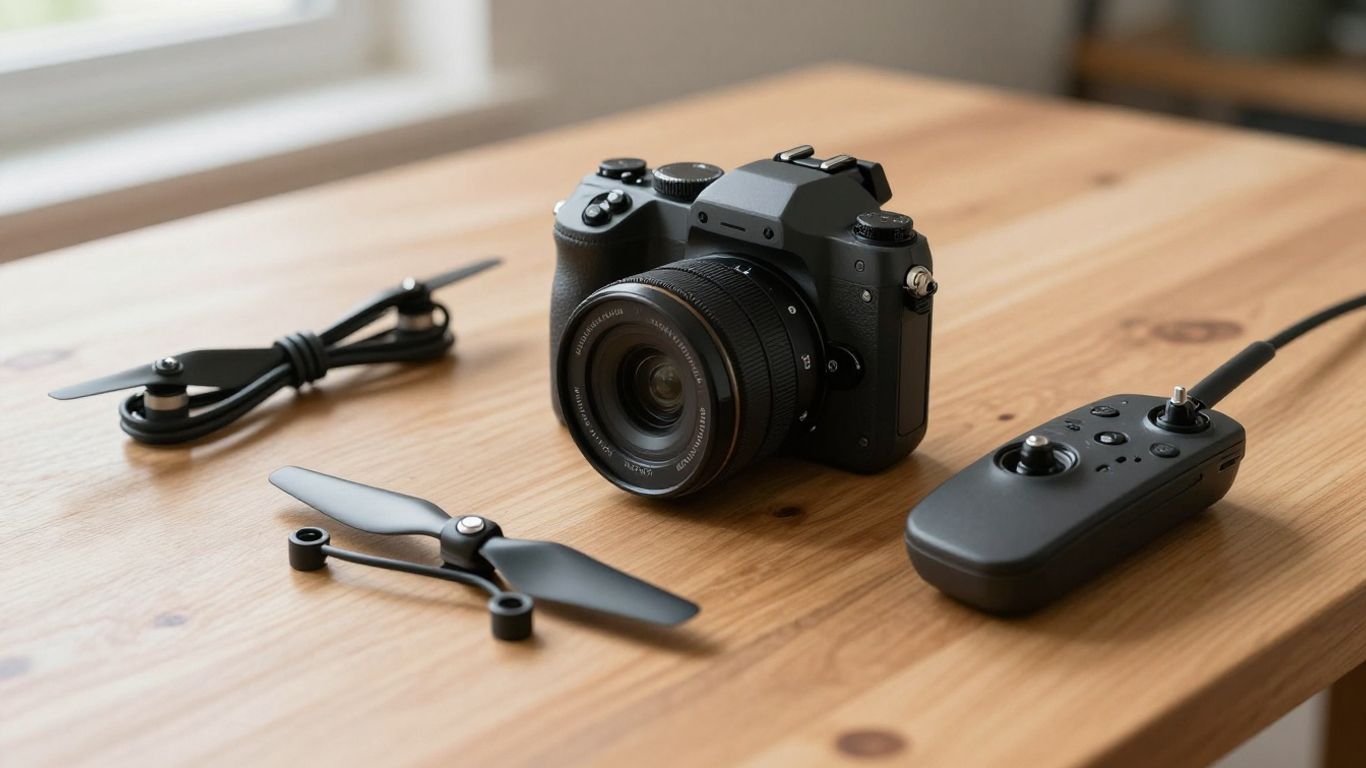
A typical package includes the aircraft, remote controller, batteries or a battery, charging cables, spare propellers, and basic tools, although used bundles vary considerably. Confirm what is actually included rather than assuming a photograph shows every accessory. You may also need a compatible phone, a microSD card, a carrying case, and a landing surface for dusty or grassy locations.
Inspect cables and connectors before the first charge. Missing small parts can be replaced, but an absent controller or damaged battery may make an apparently cheap listing poor value.
Installing the DJI Fly app and completing setup
Install the appropriate flight app from a trustworthy source, then sign in or complete the requested activation steps before arriving at a flight site. Pair the controller and aircraft, update firmware if the app presents a compatible update, and confirm that the live camera view works. Older equipment can have compatibility quirks with newer phones, so test the exact phone you plan to use.
The Mavic Mini support page can help verify the product identity and available purchase information, while manuals remain useful for pairing and control details. Do not wait until a windy overlook to discover that the controller, phone cable, or app is not ready.
Essential preflight checks for new pilots
A short repeatable check is more reliable than memory, particularly after a long break. Before takeoff, check the following:
- Batteries are charged, seated correctly, and free from swelling or damage.
- Propellers are intact, tight, and free of cracks or deep scratches.
- The home point, GPS status, compass warnings, and return-to-home height make sense for the location.
- The launch area is clear, and people, animals, trees, wires, and buildings are safely separated.
These checks take little time and directly address the aircraft’s lightweight construction and lack of obstacle avoidance. If the app shows a warning you do not understand, stay on the ground until you have resolved it.
Takeoff, landing, and beginner flight techniques
Take off to a low hover and pause. This gives you a chance to confirm that the aircraft responds normally, holds position, and is not being pushed unexpectedly by wind. Practice yaw, forward movement, sideways movement, and gentle altitude changes separately before combining them into a shot.
Land with plenty of battery remaining and use a clear, level surface whenever possible. Keep the drone within visual line of sight, avoid flying directly over people, and remember that a smooth video usually comes from slow control inputs rather than complicated maneuvers.
Rules, maintenance, and common ownership concerns
Ownership involves more than learning the sticks. Weight-based registration rules, airspace restrictions, privacy expectations, battery care, and software access all shape whether an older drone remains convenient. The 249 g figure can be helpful, but it does not automatically exempt every flight from every rule. Check the current requirements for your country, state, and flight purpose.
Registration and recreational drone requirements
A sub-250 g aircraft may fall under different registration or operating requirements than a heavier drone, but exceptions can apply based on local law, location, attachments, and how the aircraft is used. Recreational pilots should look for official guidance on registration, remote identification where applicable, airspace authorization, visual line of sight, and flights near airports or restricted areas.
Do not treat the scale weight as legal advice. Rules change, and a lightweight drone can still create real safety and privacy responsibilities around homes, roads, events, and bystanders.
Firmware, app support, and compatibility considerations
An older drone may still fly well while its supporting ecosystem becomes less convenient. Check whether the app installs on your phone, whether the controller connects consistently, and whether the aircraft recognizes its batteries and camera. Save manuals and relevant software resources locally when possible rather than assuming every page will remain easy to find.
Avoid installing unofficial firmware or relying on random download links. A stable, documented setup is preferable to an improvised one, especially when buying a model that has already spent years in circulation.
Battery care, storage, and replacement decisions
Lithium-polymer batteries should be stored according to the manufacturer’s guidance, away from heat, moisture, and physical damage. Do not fly a battery that is swollen, cracked, unusually hot, or behaving erratically. For a used purchase, ask how the batteries were stored and inspect their physical condition before planning a long outing.
Replacement decisions should consider age as well as price. A battery is not a bargain if it cuts flights short or creates a safety risk, and a package with several old batteries should not be valued as though all of them were healthy.
Propeller, gimbal, and aircraft maintenance
Keep the aircraft free of grit and inspect the propellers after any rough landing. Small cracks, bends, or unexplained vibration justify replacement rather than experimentation. The gimbal should move smoothly during startup and should not produce repeated warnings on a level surface.
Transport the drone folded and protected, with the propellers unlikely to be crushed in a bag. Gentle maintenance is especially valuable with an older model because replacement parts and repair options may be less convenient than they once were.
Is the DJI Mini (original) still worth buying?
The DJI Mini (original) can still make sense, but only as a carefully priced entry-level purchase. Its useful qualities are clear: small size, a stabilized camera, GPS-assisted flight, and a learning curve that is manageable for a patient beginner. Its weaknesses are equally clear and become more expensive when the used unit has tired batteries or hidden crash damage. The buying decision is therefore less about nostalgia and more about matching the aircraft to modest needs.
Advantages that remain relevant today
The compact folded body remains genuinely convenient for travel, and the 249 g takeoff weight can simplify some regulatory situations. The three-axis gimbal is still a meaningful step above an unstabilized camera, while the 30-minute advertised maximum gives the aircraft respectable endurance under controlled conditions. For calm-weather practice and daylight clips, those fundamentals remain useful.
The key is restraint. If you want a small aircraft to learn with and do not need advanced automation or high-resolution video, the original design can provide a satisfying introduction without demanding a large kit.
Drawbacks to consider before purchasing
The absence of obstacle avoidance raises the pilot’s workload, and the 2.7K ceiling leaves less room for cropping than newer cameras. Transmission performance depends heavily on region and surroundings, while a small sensor is not at its best in dim scenes. Age adds uncertainty around batteries, app compatibility, gimbal condition, and the availability of clean accessories.
A low sticker price can conceal several replacement costs. Compare the complete, working package rather than comparing aircraft-only listings with ready-to-fly bundles.
Used-market inspection checklist
Ask the seller for a powered-on video showing the aircraft, controller, app connection, gimbal movement, and camera recording. If possible, inspect it in person and look for signs that reveal more than cosmetic wear:
- Cracks, deep scratches, loose arms, or a frame that does not fold evenly.
- Battery swelling, corrosion, damage to contacts, or unusually short flight history.
- Gimbal vibration, startup errors, tilted horizons, or a lens with visible damage.
- Controller sticks, buttons, charging ports, and phone connection working normally.
A cautious inspection is not excessive for an older flying device. If the seller cannot demonstrate basic operation, price the item as a repair project rather than a ready-to-fly drone.
When a newer DJI Mini model is the better choice
A newer lightweight model is the better route when you want 4K recording, stronger transmission, longer battery options, improved imaging, or more recent software support. For example, the DJI Mini 2 review covers a later compact model with 4K video and OcuSync 2.0 transmission, while the DJI Mini 3 review discusses a newer design with 4K HDR video and extended battery options.
Those upgrades do not make the original worthless. They simply mean the older aircraft needs a clear price advantage, a healthy battery package, and a use case that does not depend on features it never had.
Conclusion
The DJI Mini (original) is still a pleasant way to learn aerial photography when bought cheaply, checked carefully, and flown within its limits. Its daylight camera, stabilized gimbal, portability, and simple handling remain appealing, but the lack of obstacle avoidance and the age of its batteries make a thoughtful inspection essential. Choose it for basic flying and casual footage; choose something newer when image quality, transmission, automation, or long-term support matters more than the lowest entry price.
Frequently Asked Questions
Is the DJI Mini (original) good for beginners?
Yes, it can be a good first camera drone because it is compact, relatively straightforward to control, and equipped with GPS-assisted positioning. Beginners still need to practice in open spaces and actively avoid obstacles.
How long can a small camera drone fly?
Advertised flight time is measured under controlled conditions. Wind, temperature, flying style, battery age, and the reserve needed for a safe landing all reduce the practical time available for filming.
Can a lightweight drone fly in wind?
It can handle some wind, but small aircraft are more easily pushed around and may consume battery faster while returning. Calm weather is preferable for learning and for smoother footage.
Do drones under 250 g need registration?
That depends on the country, the operation, the equipment configuration, and the current rules. Weight can affect requirements, but it does not remove the need to check official aviation guidance.
What should be checked when buying a used drone?
Inspect the frame, propellers, batteries, gimbal, camera, controller, charging ports, app connection, and flight warnings. A live demonstration is much more useful than a listing photograph alone.
Is a three-axis gimbal still useful?
Yes. It helps stabilize tilt, roll, and pan, making slow aerial footage smoother and the camera easier to aim. It cannot compensate for strong wind or abrupt control inputs.
What is the safest way to learn to fly?
Start in an open legal location, keep the aircraft within visual line of sight, hover at low altitude, and practice one control movement at a time. Leave a generous battery reserve and stop when conditions become uncertain.