Remote ID rules for recreational drone pilots: A practical guide

Key Takeaways
Remote ID is one part of recreational drone compliance, alongside registration, airspace rules, and safe flying practices.
- Drones that must be registered, or are registered, generally need to comply with Remote ID.
- Pilots can use a Standard Remote ID drone, an approved broadcast module, or fly at an FAA-recognized identification area (FRIA) without Remote ID equipment.
- A recreational drone under 250 grams may be exempt from registration and Remote ID if it is flown only recreationally and is not registered.
- Remote ID broadcasts identification and location information; what it sends depends on the compliance method.
- If a required broadcast stops working during flight, land as soon as practical and resolve the issue before flying again.
Who must follow Remote ID rules
Remote ID requirements depend in part on whether a drone must be registered or has been registered with the FAA. Recreational flyers still have to follow the applicable registration and operating rules, even when their flight is purely for fun. The details can turn on the drone’s weight and how it is being used, so check the category before you head out.
How the FAA defines a recreational flight
A recreational flight is one flown strictly for enjoyment, rather than as part of a business or in exchange for compensation. Recreational pilots must follow the FAA’s rules for those flights, including taking the free TRUST test and following the safety guidelines of a community-based organization. A flight’s purpose matters: using a drone for work is not made recreational simply because the aircraft is small. For a broader overview of recreational flight rules, review the requirements that apply beyond Remote ID.
Which drones must be registered
For recreational flyers, drones weighing more than 0.55 pounds (250 grams) generally must be registered with the FAA. Registration requirements also depend on the purpose of the flight; commercial operations have different rules. Check the aircraft’s takeoff weight, including anything attached to it, and confirm the applicable requirements through FAA registration resources. The FAA registration process is a useful next stop if you need to register or understand how registration numbers are used.
When a drone under 250 grams is exempt
A drone weighing less than 250 grams can be exempt from registration when it is flown exclusively for recreation and has not been registered. That exemption is not a general pass from other flight rules: airspace restrictions and safe-operating requirements still apply. If you choose to register the drone, Remote ID rules apply to it as a registered aircraft. The key distinction is whether the drone is registered, not just the number on the scale.
How registration affects Remote ID requirements
The FAA generally requires Remote ID for drones that are required to be registered or have been registered. Recreational pilots may register once and apply that registration to the drones listed under their account, but each aircraft still needs a compliant way to operate when required. A recreational drone below 250 grams that is not registered is generally outside the Remote ID requirement; voluntarily registering it changes that status. The FAA’s Remote ID requirements explain the compliance framework in more detail.
The three ways to comply
There are three basic paths: use a drone with Standard Remote ID built in, attach an approved broadcast module, or fly a drone without Remote ID equipment within a FRIA. The right option depends on the aircraft and where you plan to fly. These choices meet the Remote ID rule in different ways, but none replaces the other recreational flight requirements.
Fly a Standard Remote ID drone
A Standard Remote ID drone has broadcast capabilities built into the aircraft. It broadcasts identification and location information while in flight, so there is no separate module to attach. Before relying on this option, confirm that the aircraft model and its Remote ID status are listed as approved by the FAA. Built-in capability does not remove the need to register when registration is required.
Add an approved broadcast module
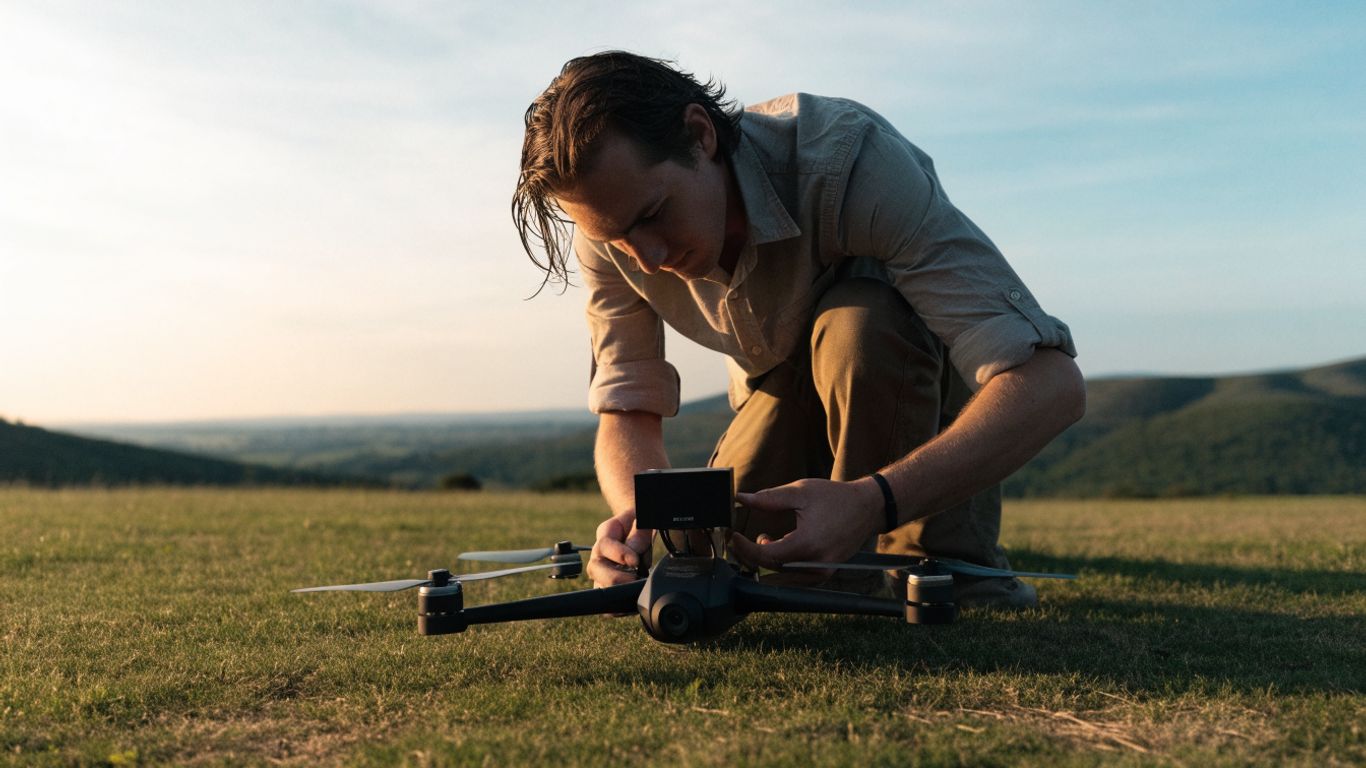
A broadcast module can be attached to a drone that does not have built-in Standard Remote ID. The module broadcasts identification and location information, including the drone’s takeoff location rather than the pilot’s control-station location. Pilots using a module must keep the drone within visual line of sight and fly no higher than 400 feet above ground level. Check that the module is approved and correctly associated with the aircraft before takeoff.
Fly a noncompliant drone at an FRIA
An FAA-recognized identification area is a defined location where a drone without Remote ID equipment may be flown. The pilot must remain within the FRIA’s boundaries and keep the drone within visual line of sight. FRIAs are established at eligible community-based organizations and educational institutions; they are not simply any open field or familiar flying spot. Confirm the site’s boundaries and status before using this option.
Check whether your drone or module is FAA-approved
Approval is not something to assume from a product description or a module’s appearance. Use the FAA’s current lists to verify the exact drone or broadcast-module model, and check any relevant serial-number or firmware instructions from its manufacturer. The options can be compared at a glance, but the official listing is the deciding check.
| Compliance method | What to verify | Key operating condition |
|---|---|---|
| Standard Remote ID drone | Exact model is FAA-listed | Follow applicable flight rules |
| Broadcast module | Module is FAA-listed and installed correctly | Stay within VLOS and 400 feet above ground |
| FRIA flight | Location is an FAA-recognized area | Remain within FRIA boundaries and VLOS |
The table is a planning aid, not a substitute for checking the current FAA listing or site boundaries. A model name that looks similar to an approved entry may not be enough; verify the specific aircraft or module before relying on it.
What Remote ID broadcasts
Remote ID is a broadcast signal that provides identification and location information about a drone in flight. The details vary according to whether the aircraft has Standard Remote ID or uses a broadcast module. Knowing the difference helps pilots understand what is being transmitted and avoids assuming the system works like a live public flight-tracking map.
Information sent by a Standard Remote ID drone
A Standard Remote ID drone broadcasts its identification, the drone’s location and altitude, its velocity, and the control station’s location and elevation. The broadcast also includes a time mark and emergency status information. The information is sent while the drone is in flight, rather than being a record of every detail of the pilot’s activity. The exact aircraft identification method is determined by the Remote ID system in use.
Information sent by a broadcast module
A broadcast module sends identification and location information for the drone, along with its takeoff location and elevation. Unlike a Standard Remote ID drone, the module does not broadcast the control station’s location in the same way. This distinction is also why the module option comes with specific operating limits, including a 400-foot ceiling and a visual-line-of-sight requirement. Pilots should confirm the setup instructions for the particular approved module they use.
What the public can and cannot see
Remote ID signals can be received by compatible devices within range, but that does not mean the public has a single, universal map showing every drone flight. The broadcast contains specified identification and location data; it is not a general feed of a pilot’s personal details or a complete account of what the drone is doing. The information available to a receiver depends on the signal and the receiving equipment. Avoid treating an app display or a lack of one as proof that a flight is or is not compliant.
Why Remote ID is not the same as tracking every flight
Remote ID is designed to broadcast required information during flight, not to provide continuous, centralized tracking of every drone everywhere. Reception depends on a compatible receiver being within range, and the system does not replace airspace checks or the pilot’s responsibility to maintain visual line of sight. In practical terms, pilots should think of Remote ID as one compliance requirement among several, rather than a permission to fly wherever a signal can be received.
Where and how you can fly
Remote ID compliance does not grant permission to enter restricted airspace or set aside recreational flight limits. You must still follow the rules that apply to your chosen operating method and location. Before takeoff, check where you are allowed to fly and consider whether your equipment adds any limits beyond the general recreational rules.
Keep the drone within visual line of sight
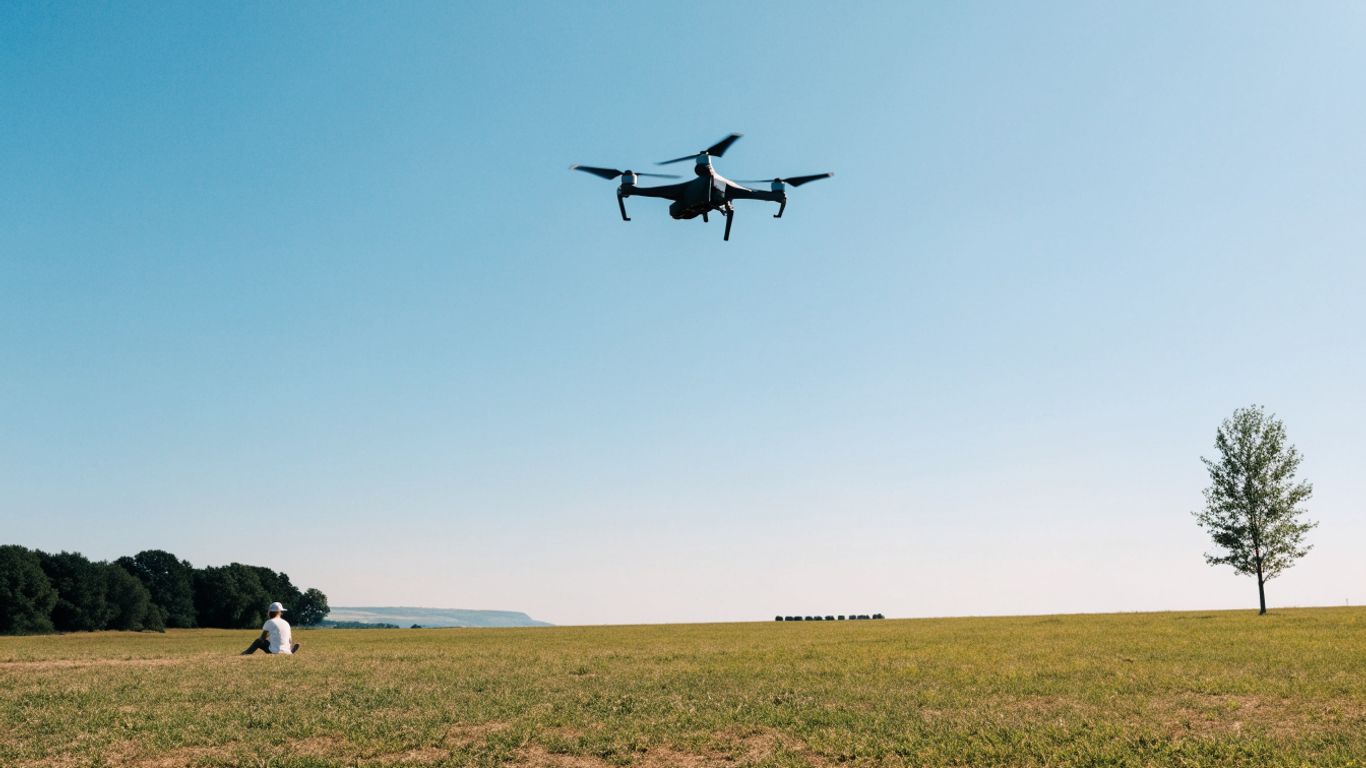
Recreational pilots must keep the drone within visual line of sight, using unaided vision other than corrective lenses. The pilot should be able to see the aircraft well enough to know its location and orientation and to avoid other aircraft or hazards. This requirement applies whether the drone uses Standard Remote ID, a broadcast module, or flies at a FRIA. Remote ID does not substitute for seeing and managing the aircraft in flight.
Follow the 400-foot limit for a broadcast module
When flying with a broadcast module, the drone must remain within 400 feet above ground level and within visual line of sight. The height limit is specific to this compliance method and should be part of the flight plan. Other recreational altitude limits and exceptions may also apply, so check the operating rules for your flight rather than assuming the module limit is the only one to consider.
Stay within FRIA boundaries when flying without Remote ID
A drone without Remote ID equipment may be flown under the FRIA option only while it is within the recognized area’s boundaries. Keep the aircraft in sight and know the limits of the site before launching; a nearby field outside the boundary does not qualify. If you cannot confirm that your intended flying area is inside an active FRIA, use another compliant method or choose a different location.
Continue to follow recreational flight and airspace rules
Remote ID is only one part of flying legally and safely. Recreational pilots still need to follow applicable airspace restrictions, obtain authorization where required, take TRUST, and observe the relevant safety guidelines. Checking a drone airspace restriction guide before a flight can help identify places where extra limits or prohibitions apply. Make the airspace check part of planning, not a last-minute guess at the launch site.
How to prepare before takeoff
A short preflight routine can catch common Remote ID problems before the drone leaves the ground. Start by confirming the aircraft’s compliance method and then make sure the required equipment is ready to broadcast. Pair those checks with the usual review of weather, airspace, and the planned flying area.
Confirm your drone’s Remote ID status
Identify whether your drone has Standard Remote ID, needs an approved broadcast module, or will be flown within a FRIA. Verify the exact model against the FAA’s current approval information rather than relying only on packaging or a retailer’s description. If the aircraft is registered, make sure it is using a valid compliance path before flight. Keep the details for the aircraft and module accessible if you need to check them at the field.
Update firmware and activate the broadcast function
Some aircraft require the pilot to enable the broadcast function or complete setup steps before Remote ID is ready. Follow the manufacturer’s instructions for the model, including any required firmware updates and activation steps. Before flying, check the settings that affect the broadcast rather than assuming it is active because the aircraft powers on. A deliberate setup check can prevent avoidable uncertainty once airborne.
Check that the signal is working
Use the manufacturer’s instructions and any available approved status indicators to check that the Remote ID function is operating. If you use a module, confirm it is attached, powered, and associated with the correct aircraft as instructed. A few practical checks help make the routine repeatable:
- Confirm the aircraft or module is on the FAA-approved list.
- Check battery charge and the module’s physical connection.
- Verify any required activation or aircraft association.
- Look for an operating-status indication before takeoff.
These checks do not guarantee reception by every device, but they can identify setup problems while the aircraft is still on the ground. If the system reports a fault or the broadcast is not operating, do not launch until you resolve the issue or choose another compliant option.
Carry registration and trust-related information
Have access to the aircraft’s registration information when registration is required, and carry proof of completing TRUST as required for recreational flying. The FAA requires recreational flyers to show proof of TRUST completion to authorities when asked. Keep any relevant aircraft or module details available as well, especially if you fly more than one drone. Organizing this information before leaving home is simpler than trying to retrieve it at the launch site.
What to do if Remote ID stops working
A Remote ID fault during flight calls for a calm, safe response rather than an attempt to continue the outing. The appropriate action is to land as soon as practical, then diagnose the issue before flying again. Keep the aircraft under control throughout, and do not let troubleshooting distract from safe flight or landing.
Land as soon as practical if the broadcast fails
If the required Remote ID broadcast stops during flight, land as soon as practical. Choose a safe landing spot and maintain control of the aircraft while bringing it down. Do not continue flying for convenience or assume that a brief interruption is harmless. Once landed, identify the cause and make sure the required broadcast works before another flight.
Troubleshoot common setup and signal issues
After landing, check for a depleted battery, a loose module connection, an inactive broadcast setting, or an incomplete setup step. Review the aircraft or module instructions and any status messages rather than repeatedly restarting without checking the cause. For a practical troubleshooting sequence, work through these checks on the ground:
- Inspect the module’s attachment and power, if one is in use.
- Confirm that the broadcast function is enabled and set up for the aircraft.
- Check for firmware or configuration instructions from the manufacturer.
- Verify the system’s operating status before attempting another flight.
If the fault remains, do not fly under the assumption that the signal will recover in the air. Use a different compliant aircraft or module, or plan a flight at a qualifying FRIA if the aircraft can be operated there under the applicable rules.
Choose a compliant drone or FRIA for your next flight
If the issue cannot be fixed promptly, choose a drone with working Standard Remote ID, use a correctly functioning approved module, or fly a noncompliant drone within a FRIA. The FRIA option only applies while the aircraft remains within the designated boundaries and in visual line of sight. Confirm your choice before you travel to the site so the plan matches both the aircraft and the location.
Understand the consequences of flying without required compliance
Flying without required Remote ID compliance can lead to enforcement action, including potential civil penalties or action against a pilot certificate where applicable. A failure in the field does not make it sensible to continue a flight that requires an operating broadcast. Treat a malfunction as a reason to land and reassess, then resume only when you have a compliant option and meet the other rules for the flight.
Conclusion
For recreational pilots, Remote ID is manageable when treated as part of ordinary flight planning: know whether the aircraft must be registered, choose an approved compliance method, and check the operating area before launch. Keep the drone in sight, respect the limits that apply to your chosen method, and land if a required broadcast fails. A little preparation makes it easier to focus on the flight itself.
Frequently Asked Questions
Do recreational drone pilots need Remote ID?
Pilots generally need Remote ID when their drone is required to be registered or has been registered, unless they operate a noncompliant drone within a FRIA under the applicable conditions.
Is a drone under 250 grams exempt from Remote ID?
A drone under 250 grams that is flown exclusively for recreation and is not registered is generally exempt from registration and Remote ID. Other flight rules still apply.
Can I fly a drone without Remote ID?
Yes, if the drone is flown within an FAA-recognized identification area and the pilot follows the area’s boundaries and visual-line-of-sight requirements. Other exceptions may apply depending on registration status and use.
What is the difference between Standard Remote ID and a broadcast module?
Standard Remote ID is built into the drone, while a broadcast module is attached to an aircraft to provide Remote ID capability. The module option has specific operating limits, including a 400-foot altitude ceiling and visual line of sight.
Does Remote ID show the pilot’s home address?
Remote ID broadcasts specified identification and location information, not a pilot’s home address as a general public broadcast field. The information sent depends on the compliance method.
What should I do if Remote ID fails during a flight?
Land as soon as practical while maintaining control of the aircraft. Troubleshoot the failure on the ground and do not fly again until you have a working compliant method or are operating under the FRIA option.
Does Remote ID replace airspace authorization?
No. Remote ID does not provide permission to enter controlled or restricted airspace. Pilots must continue to check airspace and obtain any required authorization before flying.