
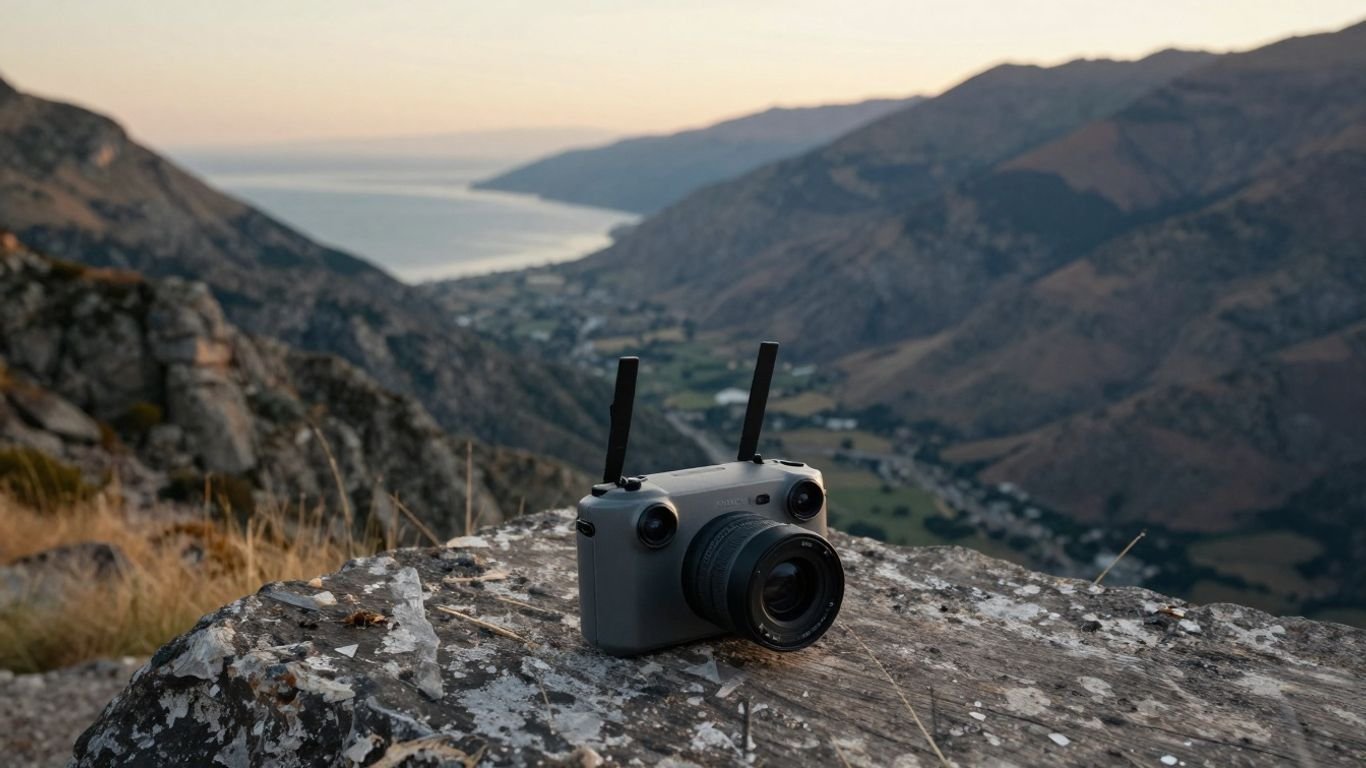
DJI Air 2S review: Features, camera quality, flight performance, and buying advice

Key Takeaways
The DJI Air 2S remains a capable compact camera drone, especially for creators who value a relatively large sensor and high-resolution video. Its age shows in battery life, app dependence, and the limits of its obstacle-sensing system.
- A 1-inch sensor produces 20MP still images and detailed aerial footage.
- 5.4K recording gives editors useful room to crop and reframe.
- The folded aircraft is portable, but its 595 g takeoff weight matters when traveling.
- Flight planning, battery discipline, and careful maintenance are essential.
- Used and refurbished examples can be worthwhile when their batteries and gimbal are in good condition.
DJI Air 2S design and core specifications
The DJI Air 2S is a folding camera drone designed to travel without feeling like a toy. It combines a 1-inch camera sensor with GPS-assisted flight, a three-axis gimbal, and a dedicated remote controller. The overall package is approachable, though its weight and aging battery platform deserve attention before purchase.
Build quality, portability, and controller setup
Folded, the aircraft measures 180 × 97 × 77 mm, while its takeoff weight is 595 g. The arms fold against the body, and the low-noise propellers use a quick-release design. Setup generally means charging the aircraft and controller, attaching a phone when using the standard controller, and completing the connection through the DJI Fly app.
The compact shape is useful in a travel bag, but it is not an ultra-light drone. A small case with room for spare propellers, batteries, and cables is more practical than carrying the aircraft loose among other equipment.
Camera sensor, lens, and image resolution
The camera uses a 1-inch CMOS sensor with 20 effective megapixels, a 22 mm-equivalent lens, and an f/2.8 aperture. That combination gives the drone a more photographic feel than many smaller aerial cameras, particularly when the light begins to soften. The lens focuses from 0.6 m to infinity, which is useful for both nearby details and distant landscapes.
The manufacturer’s DJI Air 2S specifications are the best place to confirm regional details and operating parameters before buying. On the ground, the key takeaway is simple: the sensor is the central reason to choose this model.
Battery life, charging, and storage requirements
The rated maximum flight time is 31 minutes in controlled, windless conditions, but real flights are shorter once takeoff, movement, wind, and a safe landing reserve are included. The intelligent flight battery is a 3-cell LiPo unit with a 3,750 mAh or 3,500 mAh capacity depending on the battery version, and maximum charging power is 38 W.
There is 8 GB of internal storage, yet a microSD card remains sensible for regular filming. High-resolution clips fill internal space quickly, so format cards in advance and check that they are fast enough for the selected recording mode.
Obstacle sensing and transmission range
Obstacle sensing can add confidence during ordinary flights, while the transmission system provides a live view that makes framing and camera control much easier. Neither feature replaces a clear flight path or attentive piloting. Trees, wires, reflective surfaces, and changing light can all complicate automated assistance.
Transmission distance figures are laboratory-style maximums, not a promise of an uninterrupted connection in a built-up area. Keep the aircraft within legal and visual operating requirements, and treat the advertised range as a ceiling rather than a target.
DJI Air 2S camera performance
Aerial cameras are judged by more than resolution. Exposure consistency, highlight protection, color, stabilization, and the ability to recover detail in an edit all shape the final result. The DJI Air 2S has a strong foundation, but it rewards deliberate shooting rather than careless point-and-fly use.
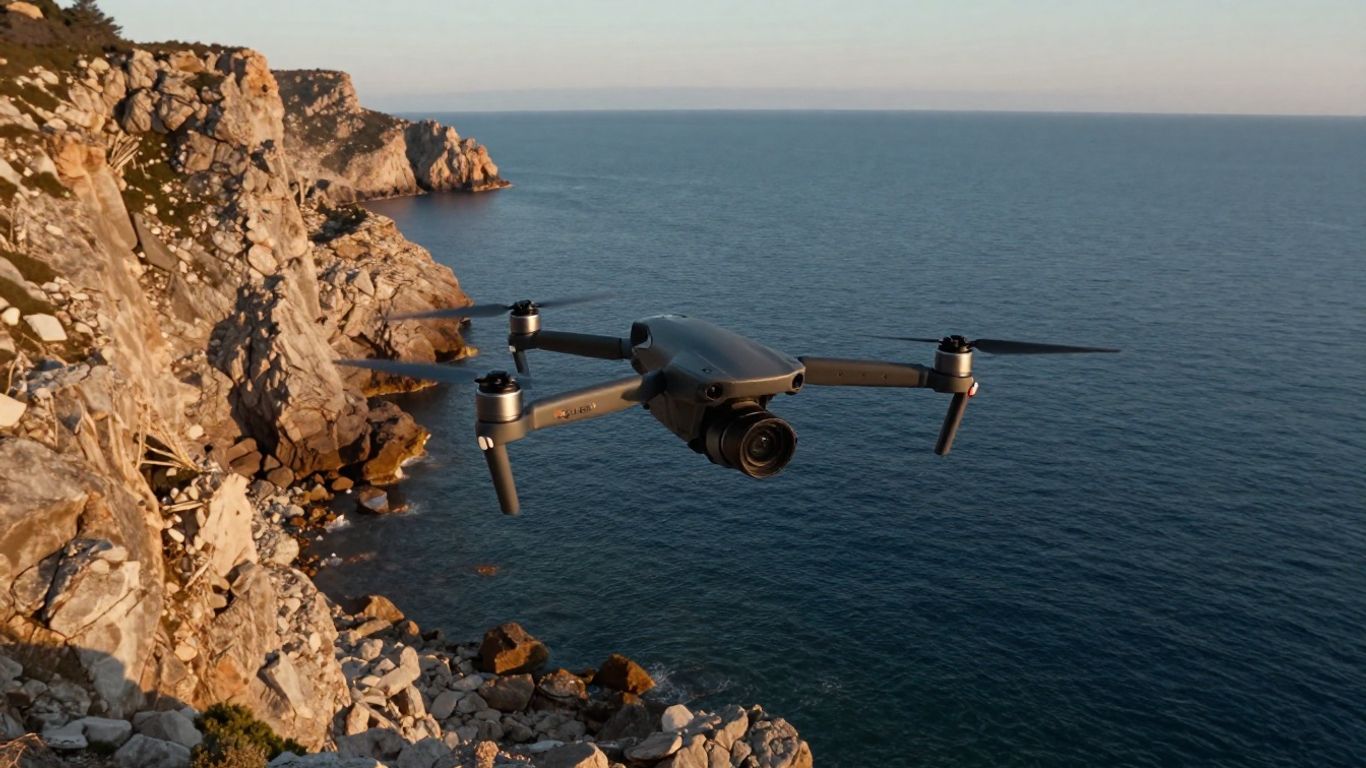
Image quality in daylight and low light
In daylight, the 1-inch sensor produces clean, detailed photographs with enough resolution for prints, crops, and large landscape compositions. The fixed f/2.8 lens is bright enough for much daytime work, although bright skies can still push highlights toward clipping if exposure is left entirely to automation.
Low-light results are respectable for a compact drone, especially when the aircraft can remain still and the scene is not too dark. Noise becomes more visible as ISO rises, and moving subjects are harder to preserve cleanly. Sunrise, late afternoon, and blue-hour scenes tend to offer a better balance than deep night flights.
Photo modes, RAW files, and exposure control
The camera supports 20MP stills and RAW capture, giving photographers more latitude when adjusting white balance, shadows, and highlights. Automatic exposure is convenient for quick trips, but manual control is preferable when a sequence needs consistent brightness from frame to frame.
A useful workflow is to check the histogram, watch bright clouds and water, and make small exposure adjustments before recording a long take. Consistent exposure matters more than chasing a dramatic setting that cannot be repeated across a sequence.
Video resolutions, frame rates, and profiles
Video recording reaches 5.4K at up to 30 frames per second, while 4K recording goes up to 60 frames per second. The camera also offers 1080p recording at higher frame rates, which can help with slow-motion work. These modes make the drone flexible for travel films, landscape sequences, and short-form edits.
The camera supports a 10-bit D-Log M profile, along with standard recording options. Flat profiles require a considered color workflow, so beginners may prefer a more finished look until they are comfortable correcting contrast and saturation.
Dynamic range and real-world footage quality
The sensor’s size helps retain a pleasing level of detail in mixed lighting, but it cannot erase the basic challenge of aerial scenes: bright sky above a darker ground. Use gradual camera movements and avoid abrupt exposure changes when panning across the horizon.
For an independent perspective, this DJI Air 2S photography review is a useful companion to a specification sheet because it approaches the aircraft as a photographic tool rather than merely a flying gadget. The practical lesson is to shoot with the edit in mind, leaving enough tonal information to shape the final image later.
Flight performance and intelligent features
The aircraft is most enjoyable when its controls feel predictable. It can hover steadily, respond smoothly to measured stick inputs, and hold a composition while the pilot concentrates on camera movement. Automated modes are helpful, but they work best as starting points rather than substitutes for judgment.
Takeoff, landing, and handling in different conditions
A clear, level launch area makes the first moments easier to manage. After takeoff, allow the aircraft to settle and confirm its position before beginning a complicated shot. Landing also benefits from patience; rushing the final descent is an easy way to disturb a promising session.
The three flight modes provide different balances of speed and control. Sport mode reaches a maximum speed of 19 m/s near sea level in no wind, Normal mode reaches 15 m/s, and Cine mode is limited to 5 m/s. Slower movement usually produces more usable footage, even when faster flight is available.
MasterShots, QuickShots, and automated flight modes
MasterShots can combine automated flight paths into a sequence intended to produce a finished-looking result, while QuickShots create preset movements around or away from a subject. These features are convenient for learning how different camera paths look, especially when a pilot is still developing confidence.
Before starting an automated sequence, inspect the entire route rather than only the point where the drone begins. Automated movement still needs space, a safe subject, and a pilot ready to cancel if conditions change.
Return to Home and obstacle avoidance
Return to Home is a useful safety function when the signal is interrupted or the pilot initiates a return. It should be configured and understood before the first serious flight, including the selected return altitude and the likely obstacles between the aircraft and launch point.
Obstacle avoidance provides another layer of assistance, but it is not a guarantee against every object or direction of travel. A responsible pilot keeps a visual awareness of the aircraft and avoids treating sensors as permission to fly close to branches, buildings, or wires.
Wind resistance, GPS stability, and flight limits
The rated maximum wind resistance is 10.7 m/s, and the operating temperature range is 0° to 40°C. Those numbers describe tested limits, not ideal creative conditions. Wind can reduce battery endurance, make footage less smooth, and complicate a return journey.
GPS and vision positioning help the drone hold its place, but tall structures, poor satellite conditions, and indoor environments can change how it behaves. Respect local rules, maximum altitude limits, and the manufacturer’s operating conditions every time.
Using the DJI Air 2S for photography and video
Good aerial work begins before the propellers spin. A short plan for the subject, light, wind, route, and final delivery format prevents many of the problems that appear later in editing. The aircraft can capture impressive material, but a calm pilot and a clear visual idea usually matter more than any single preset.
Planning cinematic shots and smooth movements
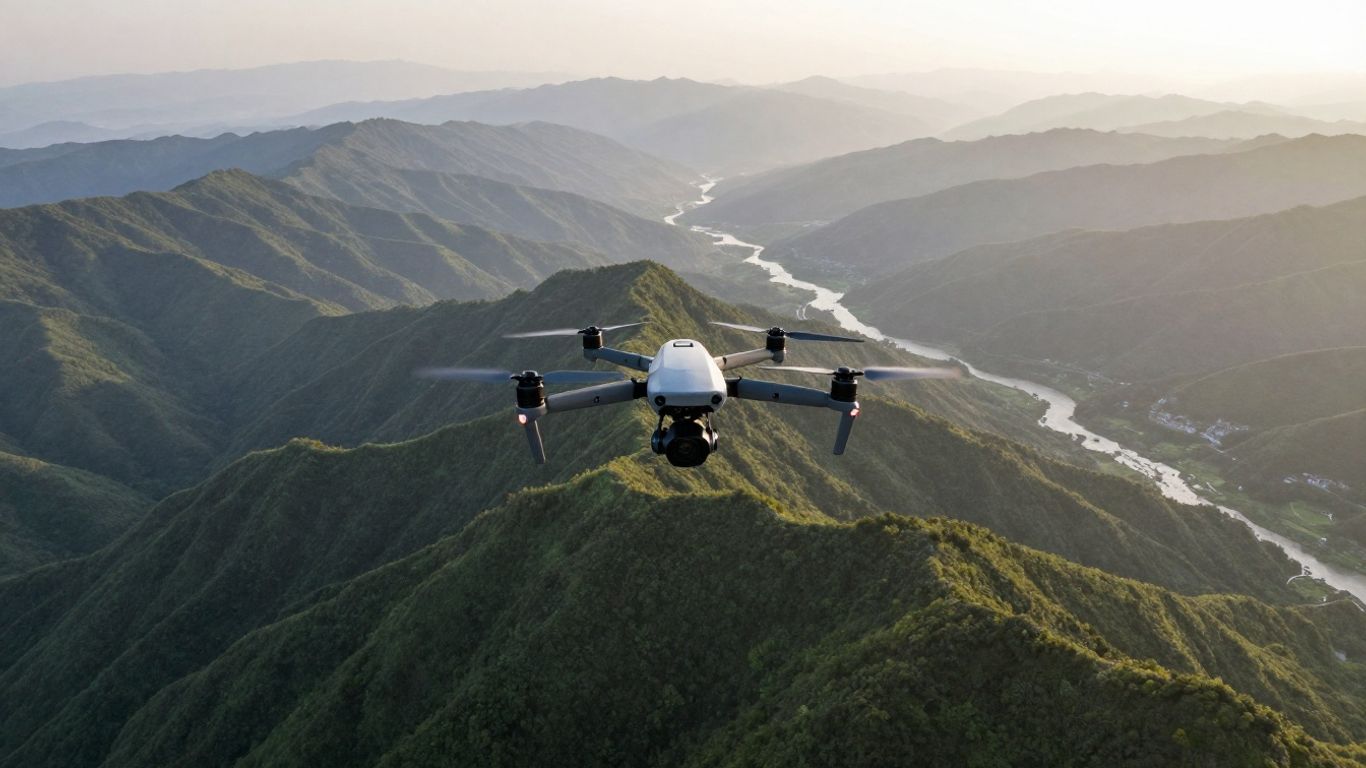
Start with one movement at a time: a slow forward reveal, a lateral pass, a gentle rise, or a controlled orbit. Combining too many inputs can make a shot feel nervous. Keep the horizon level, leave space around the subject, and repeat the movement when possible so there is a clean alternative in the edit.
Light direction also changes the character of the footage. Side light can reveal terrain, while front light keeps the subject even. A simple shot list is often enough to turn an unstructured flight into a coherent sequence.
Choosing settings for travel, landscapes, and action
Travel footage benefits from consistent frame rates and exposure, while landscapes often reward the extra detail of 5.4K capture. Action scenes may call for a faster shutter speed, but fast shutter can make movement look harsh. Use manual settings when the light is changing slowly and automatic exposure when conditions shift quickly.
For a second reference point on older compact aircraft, the Mavic Air 2 review offers useful context about portability and buying used, without changing the central strengths of this model. The comparison is most useful when deciding whether sensor size, resolution, or carrying weight matters most to your work.
Editing 5.4K footage for different platforms
5.4K footage gives an editor room to crop, straighten, and reframe for a 4K timeline or a vertical export. That flexibility is valuable, but it also creates larger files and longer transfer times. Organize clips by location and take, then create lower-resolution proxies if playback becomes sluggish.
A practical finishing sequence is to correct exposure first, adjust white balance second, and apply a restrained color treatment last. Export settings should follow the destination platform rather than the capture resolution alone.
Managing flight time during longer shooting sessions
A single rated flight time rarely equals a full shooting session. Plan for landing, battery reserves, repositioning, and the occasional second take. Carrying charged spares can help, but batteries should be transported and stored according to their safety guidance.
Use the pre-flight minutes well: check the route, confirm storage, clean the lens, and decide which shots matter most. That preparation reduces the temptation to keep flying after conditions or battery levels become uncomfortable.
DJI Air 2S ownership and maintenance
Ownership is mostly a matter of small habits repeated consistently. Clean equipment, current software, healthy batteries, and sensible transport preserve both safety and image quality. Since this is an older model, condition matters as much as the original specification sheet.
Firmware updates and DJI Fly app management
The DJI Fly app handles setup, flight information, camera control, and many software-related tasks. Check for firmware updates before a planned trip rather than at the launch site, and allow time for the aircraft, controller, and batteries to complete any required process.
Keep the phone charged, download relevant maps or information when appropriate, and confirm that the controller cable works. A last-minute app or firmware problem can end a flight before it begins.
Propeller, battery, and gimbal care
Inspect propellers for nicks, cracks, or warping before each session. Batteries should be checked for swelling, unusual heat, damaged contacts, or a sudden change in performance. The gimbal and camera should move freely, with no grit around the moving parts.
A simple inspection routine is easier to remember when it follows the same order:
- Examine propellers and motor areas.
- Check battery condition and charge level.
- Clean the lens and gimbal area.
- Confirm storage space and controller connection.
That short sequence catches obvious problems before they become airborne problems. If a battery behaves unusually, retire it rather than trying to extract one more flight.
Transporting the drone safely while traveling
Fold the arms carefully, fit the gimbal protector, and keep the aircraft in a case that prevents pressure on the camera. Batteries require special attention during air travel, so review the airline and local transportation rules before packing.
Travel planning should include insurance, registration, and destination restrictions, not just luggage space. A broader motor home cost guide is unrelated to drones, but its reminder to account for ongoing ownership expenses applies here too: the purchase price is only one part of the trip budget.
Common issues and practical troubleshooting
A failed connection, inconsistent GPS, or gimbal warning is easier to diagnose when the pilot changes one variable at a time. Restart the aircraft and controller, check cables and app permissions, inspect the gimbal, and move to an open area if the environment is interfering with positioning.
For buyers comparing condition and price, this refurbished DJI Air 2S listing illustrates the kind of package details worth checking, including the controller, battery, charger, propellers, and cables. Treat any refurbished or used listing as an inspection exercise, not proof that every example will perform identically.
Is the DJI Air 2S still worth buying?
The answer depends on what you shoot and what condition you can find. Its 1-inch sensor and 5.4K video remain meaningful advantages for a compact folding aircraft, while newer designs may offer fresher software, improved sensing, or different portability tradeoffs. Price and battery health now matter more than launch-day excitement.
How it compares with newer DJI drones
Newer drones may bring updated transmission systems, newer obstacle-sensing arrangements, lighter bodies, or more advanced subject-tracking options. That does not make the older camera suddenly poor; it changes the balance between image quality, safety assistance, size, and long-term support.
Compare actual priorities rather than headline numbers. A photographer who values the 1-inch sensor may accept extra weight, while a traveler who flies casually may prefer a smaller aircraft.
When refurbished or used models make sense
A used example can be sensible when the price reflects its age and the seller can document careful storage. Inspect the gimbal, lens, arms, propellers, controller, charging equipment, and battery behavior. Ask whether the aircraft connects normally and whether the app recognizes all included components.
Buyers should also budget for replacement accessories and avoid assuming that an old battery has the same endurance as a new one. A low purchase price is attractive only when the aircraft remains safe and practical to fly.
Who should choose the DJI Air 2S
This model suits travelers, landscape photographers, and video creators who want a folding drone with a 1-inch sensor and high-resolution recording. It is also a reasonable learning platform for pilots who are willing to study flight rules and practice slow, deliberate movements.
It is less compelling for someone whose first priority is the lightest possible kit or the newest automated flight experience. The right choice is the one that fits the work, the carrying routine, and the buyer’s willingness to maintain it.
Important limitations to consider before purchase
The aircraft weighs 595 g, its rated flight time is 31 minutes under controlled conditions, and its wind-resistance figure is a maximum rather than a comfort zone. The fixed f/2.8 lens limits optical flexibility, while low-light footage still benefits from careful exposure and realistic expectations.
Before spending money, also consider the less glamorous details: available batteries, storage cards, app compatibility, regional rules, and repair options. For general business planning, readers may encounter topics such as operational leverage, ABA therapy costs, or AI in dermatology; those are separate subjects, but they reinforce a useful buying principle—look beyond the headline price and account for the system around the purchase.
Conclusion
The DJI Air 2S still makes a persuasive case as a compact aerial camera because its 1-inch sensor, 20MP stills, and 5.4K video can produce genuinely detailed work. It is not the newest option, and its rated battery life, weight, and sensing limits should be part of the decision. For a well-maintained example at a fair price, though, it remains a thoughtful choice for photographers and filmmakers who value image quality more than having every recent feature.
Frequently Asked Questions
Is a 1-inch drone sensor useful for aerial photography?
Yes. A larger sensor can provide cleaner detail and more flexible results in changing light, although exposure technique and scene brightness still have a major effect.
How long does a drone battery really last?
The advertised figure is measured in controlled conditions. Real use is shorter because pilots allow for wind, movement, takeoff, landing, and a reserve for a safe return.
Is 5.4K video better than 4K for every project?
Not always. 5.4K offers extra room for cropping and reframing, while 4K may be easier to store, edit, and deliver.
Should beginners use automated flight modes?
They can be useful for learning, but beginners should first understand the route, surrounding obstacles, controls, and cancellation procedure.
What should be checked on a used camera drone?
Inspect the battery, gimbal, lens, propellers, arms, controller, charging equipment, storage, connection behavior, and any signs of impact or moisture.
Does wind affect aerial footage?
Yes. Wind can shorten flight time, cause unwanted movement, make returns harder, and reduce the smoothness of pans or tracking shots.
Is drone maintenance difficult?
Routine care is manageable: inspect propellers and batteries, keep the camera and gimbal clean, update required software, and transport the aircraft in a protective case.