
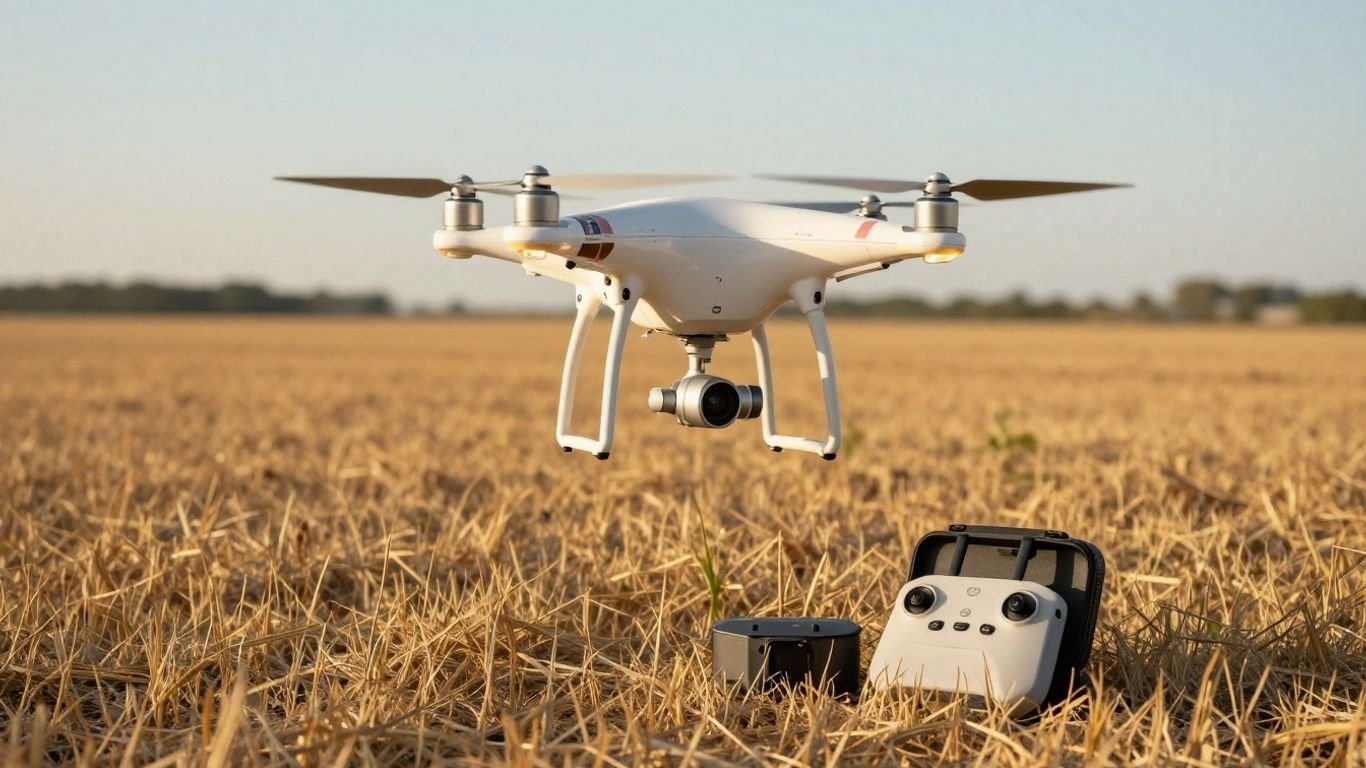
DJI Phantom 3 guide: Features, models, setup, flight tips, and buying advice

Key Takeaways
The DJI Phantom 3 remains a capable learning platform when its age, software support, and used condition are taken seriously.
- The Standard, Advanced, Professional, and 4K versions differ most in camera, transmission, and positioning features.
- A careful setup includes charging, app connection, calibration, firmware checks, and a measured first flight.
- GPS, return-to-home, and vision positioning help, but they do not replace attentive piloting.
- Better aerial footage comes from controlled movement, deliberate exposure, and thoughtful composition.
- A used purchase makes sense only when the battery, gimbal, controller, accessories, and support situation are clear.
Understanding the DJI Phantom 3 lineup
The Phantom 3 family looks broadly similar across its versions, but the differences matter once you begin recording or flying beyond a short practice session. The four main models are the Standard, Advanced, Professional, and 4K. Their cameras, radio systems, and positioning hardware determine much of the real-world experience.
A useful overview of the series is available in this Phantom 3 overview, while buyers comparing the wider history of the line may also find this Phantom series history helpful. The key is to compare the aircraft in front of you rather than trusting a listing that simply says “Phantom 3.”
Comparing the Standard, Advanced, Professional, and 4K models
The Standard is the simpler entry point, while the Advanced and Professional versions use a more capable transmission system and positioning setup. The Professional model is associated with UHD recording, and the 4K model was designed to bring that resolution to a version with its own particular feature balance. Exact specifications can vary by model and region, so confirm the label on the aircraft, remote, and app before buying.
The model name alone is not enough to judge a used package. Inspect the camera housing, gimbal, controller, and battery together, because a seller may combine parts from different kits or omit the accessories needed for charging and connection.
Identifying differences in cameras, transmission, and positioning systems
Camera resolution is the most visible distinction, but transmission affects how confidently you can monitor the aircraft. The Professional support information lists UHD and FHD video, 12.4-megapixel still images, a three-axis gimbal, GPS and GLONASS positioning, and a downward vision system. Those details make it a more useful reference point than a generic marketplace description; the full Phantom 3 Professional specifications page is worth checking.
The Standard has its own downloads and firmware resources, collected in the Phantom 3 Standard downloads. Positioning also depends on the environment: GPS reception, satellite acquisition, surface pattern, light, and nearby interference all influence how the aircraft behaves.
Choosing the right Phantom 3 model for your needs
Choose the Standard if the price is low, the package is complete, and you mainly want to learn basic control. The Advanced is a sensible middle ground for pilots who value transmission and positioning. The Professional or 4K models are better suited to people who specifically want higher-resolution recording, provided the camera and gimbal are in good condition.
Do not pay extra for a model simply because its name sounds more advanced. A healthy battery and working controller may matter more than a small specification difference, especially when replacement parts and software support are becoming less convenient.
DJI Phantom 3 design and core features
The aircraft uses the familiar fixed-arm quadcopter shape that made this generation approachable to many new pilots. Its physical design is straightforward, with a camera mounted beneath the body and a dedicated remote controller handling flight and camera commands. That simplicity is part of its appeal, although the size makes transport less convenient than with newer folding drones.
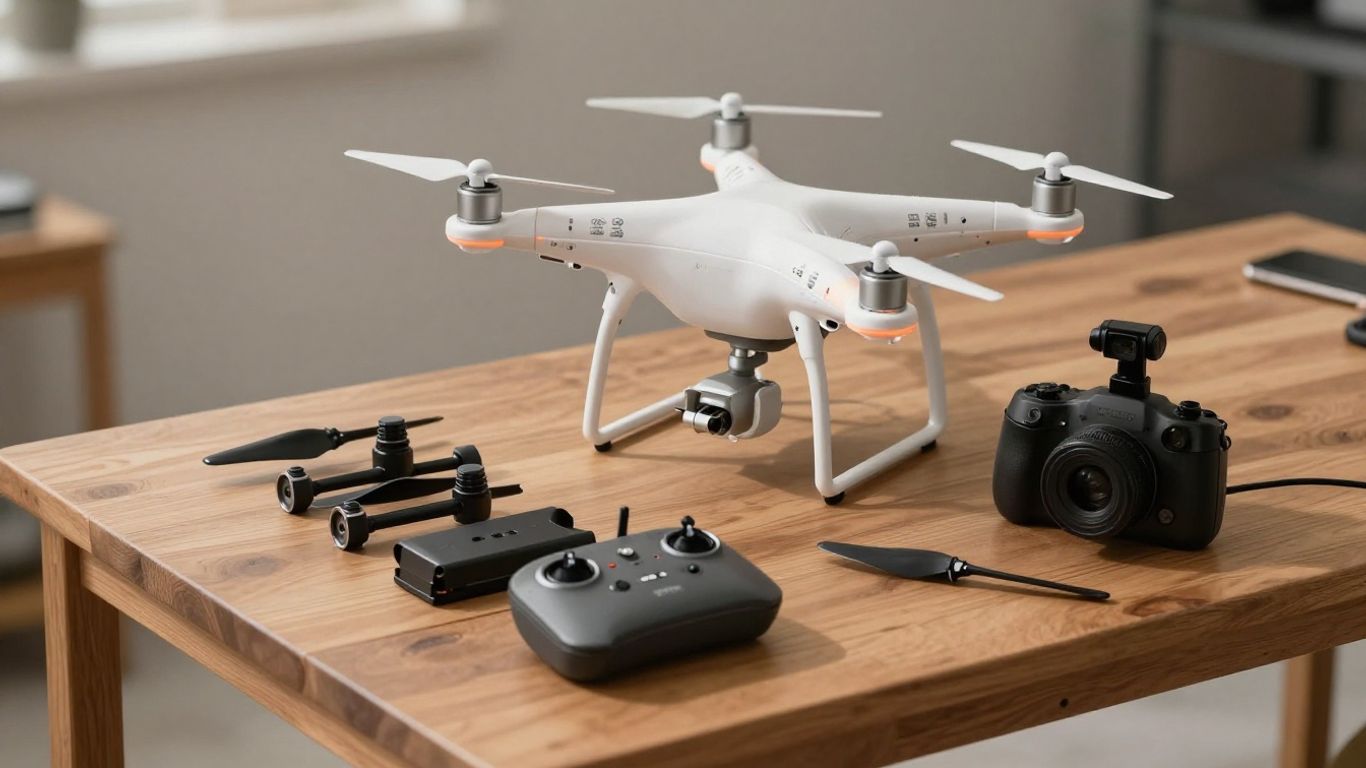
The best way to understand the platform is to separate what the hardware can assist with from what the pilot must still manage. GPS and stabilization support a steady flight, but they do not make an unfamiliar location automatically safe.
Examining the airframe, gimbal, battery, and remote controller
The camera hangs from a three-axis gimbal, which helps keep footage level while the aircraft moves. The rechargeable flight battery, propellers, motors, remote controller, and mobile device all form one working system; a fault in any of them can stop a flight before takeoff.
Check for cracks around the arms, dents near the motor mounts, loose gimbal movement, and swelling in the battery casing. The controller should charge normally and maintain a reliable connection. A complete package with the correct cables and charger is often more valuable than a cheap aircraft sold on its own.
Understanding flight modes, GPS, and safety features
GPS positioning can help the aircraft hold position outdoors after it has acquired a reliable satellite signal. The downward vision system can assist positioning close to the ground when the surface and lighting are suitable. Return-to-home is a recovery feature, not a substitute for watching the aircraft and knowing its surroundings.
The control system also provides different responses in GPS and attitude-oriented modes. New pilots should learn the normal GPS behavior first, then understand what changes if positioning becomes unavailable. Always confirm the recorded home point before leaving the ground.
Evaluating camera resolution, stabilization, and image quality
Resolution is only one part of an aerial image. A stabilized camera can produce a smoother frame, but harsh sunlight, low contrast, vibration, poor focus, and rapid control inputs can still make footage disappointing. The Professional specifications document a 1/2.3-inch CMOS sensor, a fixed wide-angle lens, and three-axis stabilization, giving a realistic sense of the system’s age and strengths.
For additional context, this Professional model review discusses the camera and the differences between Professional and Advanced versions. Treat reviews as background, though, and judge a used aircraft by its actual sample footage rather than by an old product description.
How to set up the DJI Phantom 3
Setup is less exciting than the first flight, but it prevents many avoidable problems. Give yourself time to charge every component, install the correct application, and read the status messages instead of clicking through them. An older aircraft may also need a careful compatibility check before you assume a modern phone or app will work.
The first setup should happen in an open, calm place, not beside trees, buildings, or people. Keep the propellers off while you test connections and complete any calibration the instructions request.
Installing the DJI GO app and creating an account
Install the DJI GO application from a trusted source that supports the aircraft and your mobile device. Sign in or create an account if the app requests it, then allow the permissions needed for connection and location-related functions. Check that the cable, phone, controller, and aircraft are recognized before starting a flight.
If the app cannot connect, do not immediately assume the aircraft is defective. Try a different cable, restart the app and controller, verify the selected aircraft profile, and check whether the phone’s operating system is compatible with this older platform.
Charging, connecting, and calibrating the aircraft
Charge the flight battery, remote controller, and phone separately until each has enough capacity for setup and a short test. Connect the controller to the mobile device, power the controller, then the aircraft, and wait for the app to display the aircraft status. Keep the aircraft level and still during startup.
Calibration should be performed only when the app or manual calls for it, using a clear area away from metal objects. A calibration does not repair a damaged sensor or compensate for a bent frame, so physical inspection still comes first.
Completing firmware updates and preflight checks
Firmware updates can affect aircraft, controller, battery, and app compatibility. Read the update notes available for the specific model, keep the battery charged, and avoid interrupting the process. If a used package has mismatched firmware or missing files, document the situation before attempting repeated updates.
Before each flight, confirm the propellers are secure, the gimbal cover is removed, the camera card is inserted, the home point is recorded, and the controls respond as expected. A short checklist is easy to repeat and can save a costly recovery later.
How to fly the DJI Phantom 3 safely
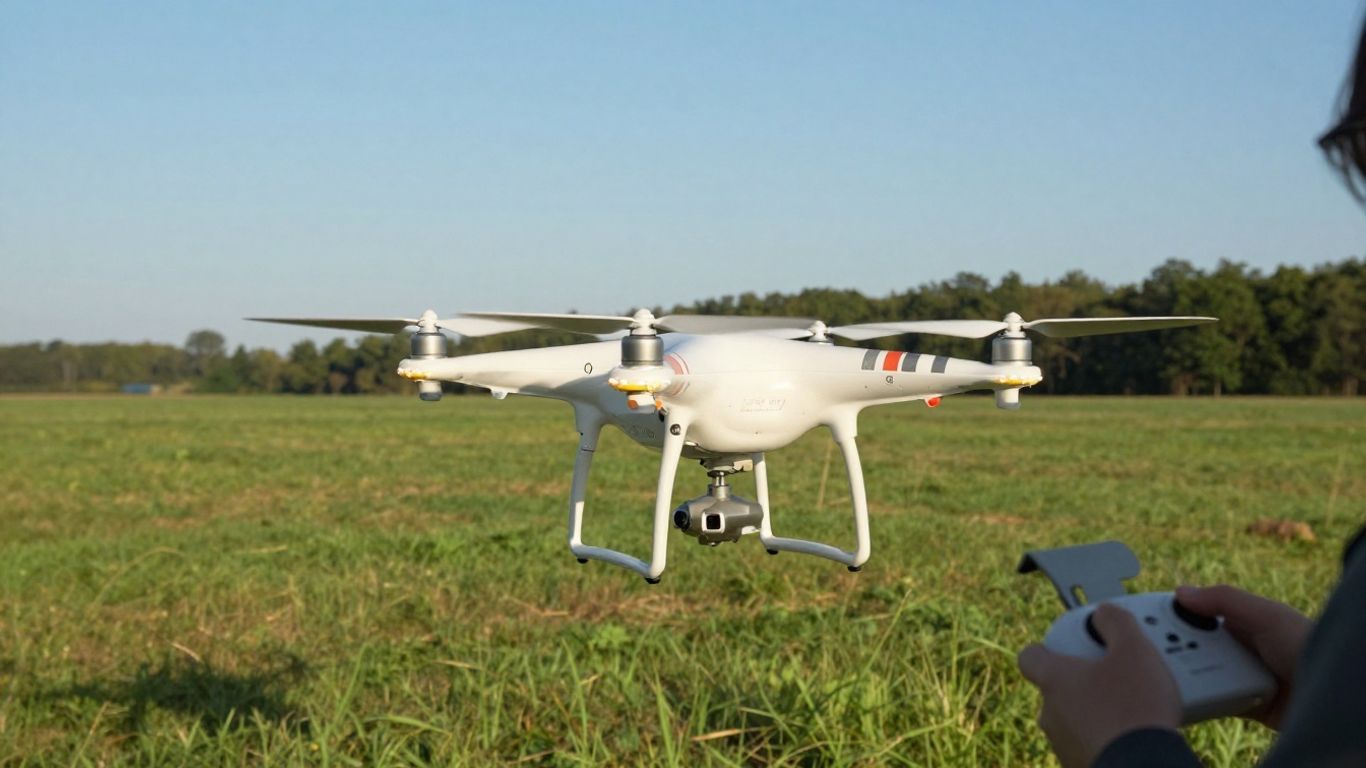
Safe flying begins with choosing a place where a mistake has room to unfold. Keep people, roads, buildings, power lines, and water hazards in mind before powering up. The aircraft may hold position well in suitable conditions, but the pilot remains responsible for visibility, direction, and judgment.
Weather can change faster than a battery gauge suggests. Begin with gentle movements, keep the aircraft nearby, and build confidence through repetition rather than distance.
Learning the essential control functions and flight modes
The two control sticks govern the aircraft’s movement, while dedicated controls handle altitude, rotation, and horizontal direction. Practice each input separately at low altitude, then combine them in slow rectangles and circles. Learn which way the nose is pointing, because orientation can become confusing when the aircraft faces you.
Use the normal positioning mode for early practice and avoid experimenting with less assisted behavior until you understand how the aircraft responds. Smooth control is more useful than speed for both learning and recording.
Planning takeoffs, landings, and return-to-home actions
Choose a level takeoff point and allow the aircraft to rise a short distance while you confirm that it is stable. Land with patience, keeping the aircraft clear of loose dust and tall grass. Before takeoff, check the return-to-home height against the tallest obstacle in the area.
A return-to-home action still needs supervision. Watch for trees, wires, bridges, and changing wind, and be ready to cancel the action when a controlled manual landing is safer. Test the function in an open location before relying on it.
Managing wind, obstacles, battery levels, and local regulations
Wind is especially revealing with a larger, older quadcopter. Leave a reserve for the trip home instead of using the full battery for the outward journey. Keep a clear view of the aircraft and stay within the legal limits that apply where you fly.
A simple preflight routine keeps the most important decisions visible:
- Check weather, wind, visibility, and the available landing area.
- Confirm the battery, propellers, gimbal, controller, and home point.
- Identify people, animals, wires, trees, buildings, and restricted locations.
- Set a conservative flight boundary and a return-to-home altitude.
That routine is not bureaucracy; it is a practical way to reduce rushed decisions. For a broader introduction to weight classes and flight rules, see this drone safety guide, then verify the current requirements with the relevant local authority.
Capturing better photos and videos
Good aerial footage usually comes from restraint. The aircraft does not need to move constantly, and the camera does not need to point in every direction. Start with a clear subject, decide what the shot should communicate, and make one controlled movement at a time.
Older camera systems reward careful light and realistic expectations. Stable capture, clean framing, and a well-timed flight can matter more than chasing every available setting.
Adjusting exposure, white balance, and camera settings
Use a consistent white balance when recording a sequence so the color does not shift between clips. Watch highlights in bright skies and pale surfaces, and adjust exposure before beginning the movement rather than correcting every second in the air. Keep the frame rate and resolution consistent with the final destination of the footage.
A neutral, repeatable setup is often easier to edit than footage made from automatic changes. Record a short test clip, review it on the ground, and then make one adjustment at a time.
Using intelligent flight features for smoother footage
Automated or assisted flight features can help create repeatable movements, but they still require a suitable open area and careful monitoring. They should be treated as aids to planning, not as permission to look away from the aircraft. Practice the intended path manually first whenever possible.
A smooth shot begins before the feature is activated: choose the subject, check the background, confirm the escape route, and decide where the aircraft will stop. That preparation makes automation more predictable and easier to abandon if conditions change.
Improving composition, movement, and lighting in the air
Look for shapes, leading lines, layers, and contrast rather than simply pointing down. Early or late light can give surfaces more texture, while a slower sideways move often feels calmer than a fast push forward. Keep the horizon intentional and leave enough space around a moving subject.
Make several short clips instead of one long, uncertain flight. This gives you more usable options and reduces the temptation to keep flying after the battery has reached its reserve.
Maintaining and troubleshooting the Phantom 3
Maintenance for an older drone is mostly regular observation. Small changes in battery behavior, gimbal movement, motor sound, or connection quality can appear before a serious failure. Store the aircraft clean, dry, and protected from knocks, and keep a record of batteries and flight issues.
Do not treat every warning as an app nuisance. A warning may be the first useful indication that a component, environment, or software version needs attention.
Caring for batteries, propellers, motors, and the gimbal
Inspect batteries for swelling, damage, unusual heat, or a sharp drop in capacity. Replace damaged propellers rather than trying to smooth or straighten them. Spin motors gently by hand with the aircraft powered off and listen for grinding or resistance.
Keep the gimbal free of dust and remove its transport lock or cover before powering up. After a hard landing, inspect the arms and camera mount even if the aircraft still appears to fly normally.
Resolving connection, GPS, app, and calibration problems
For connection problems, restart the aircraft, controller, and app in a consistent order, then test another cable or compatible mobile device. For weak GPS, move away from structures and allow more time for satellite acquisition. If calibration fails, check the surface, lighting, surroundings, and physical condition before repeating it.
When troubleshooting, change one thing at a time and write down the result. That approach prevents a series of guesses from hiding the original cause and makes support conversations more useful.
Diagnosing outdated firmware and compatibility limitations
Older aircraft can be limited by app availability, phone operating systems, firmware combinations, and discontinued accessories. A listing that powers on is not necessarily a complete, flight-ready system. Confirm that the controller and aircraft communicate, that the app recognizes the model, and that the camera feed works before paying.
A firmware problem may require the exact package for the exact model. Avoid forcing files from a related version simply because the aircraft looks identical; compatibility is part of the used-drone cost.
Is the DJI Phantom 3 still worth buying?
It can be, but only as a deliberately modest purchase. The platform offers a hands-on way to learn aerial control and camera movement, yet it lacks the convenience, portability, and current support expected from newer aircraft. The condition of the individual unit matters more than the original launch position.
Set a firm budget that includes a replacement battery, storage card, transport case, and possible repairs. If a listing is vague about those details, treat the uncertainty as part of the price.
Assessing used-market pricing and included accessories
Compare complete packages rather than bare-aircraft prices. A working controller, charger, battery, propellers, cables, and gimbal cover can save considerable effort. Ask for a powered-on video showing the app connection, camera feed, gimbal movement, and battery status.
The safest purchase is one with a clear return policy and enough information to test the aircraft promptly. Guides unrelated to drones, such as a Traffic Secrets Book, cannot answer those hardware questions, so keep the buying decision grounded in inspection and compatibility.
Considering DJI support, replacement parts, and software limitations
Support resources may still document specifications and downloads, but availability does not mean every part or app combination remains convenient. Before buying, search for the exact model’s manuals, firmware, batteries, propellers, and controller information. Also consider whether your phone can run the required software reliably.
A few web searches can surface distracting advice, from a gentle parenting guide to an IPTV setup guide, but neither replaces model-specific documentation. Even a cookie policy or gutter installation service page is obviously outside this purchase decision; the lesson is simply to verify that search results and marketplace claims actually belong to the aircraft you are evaluating.
Comparing the Phantom 3 with newer DJI drones
Newer drones generally offer easier transport, more current software support, more efficient batteries, and additional camera or safety conveniences. A useful comparison should focus on your actual priorities: learning manual control, carrying the drone while traveling, recording higher-quality footage, or reducing setup friction.
If portability is the main goal, this compact drone guide provides a useful point of comparison. If you prefer to understand the older platform’s place in the family, the historical Phantom 2 guide helps show how quickly consumer drone design changed. The Phantom 3 can still be enjoyable, but its value comes from a low purchase price and realistic expectations, not from matching current hardware.
Conclusion
The DJI Phantom 3 is best approached as an older, capable learning and camera platform that rewards careful setup, conservative flying, and thorough used-market inspection. Choose the model by its actual camera, transmission, positioning system, and condition; then protect the experience with sensible maintenance and local safety checks.
Frequently Asked Questions
Is the Phantom 3 suitable for a first-time pilot?
It can suit a beginner who is willing to learn gradually, practice in open spaces, and accept that an older aircraft may require more setup and troubleshooting than a current model.
How long should a first flight be?
Keep the first flight short enough to leave a generous battery reserve. The goal is to confirm stable hovering, control response, orientation, landing, and return-to-home behavior rather than to travel far.
What should be checked before buying a used drone?
Inspect the frame, motors, propellers, gimbal, camera feed, controller, battery condition, charger, app connection, and return policy. Ask for evidence that the complete system powers on and communicates.
Does GPS make a drone fully safe?
No. GPS can assist positioning and recovery features, but it does not detect every obstacle or account for people, wires, weather, legal restrictions, or pilot error.
Why do aerial videos look shaky?
Shaky footage can come from wind, fast stick inputs, vibration, damaged propellers, gimbal issues, poor calibration, or aggressive camera movement. Slow control and careful inspection usually help identify the cause.
How can battery life be managed during a flight?
Plan the route before takeoff, keep the aircraft within a comfortable return distance, monitor warnings, and reserve enough energy for the trip home and a controlled landing.
Are older drones still practical in 2026?
They can be practical for low-cost learning when the aircraft is healthy and the required app, controller, firmware, batteries, and parts are available. Buyers should confirm compatibility before committing.