
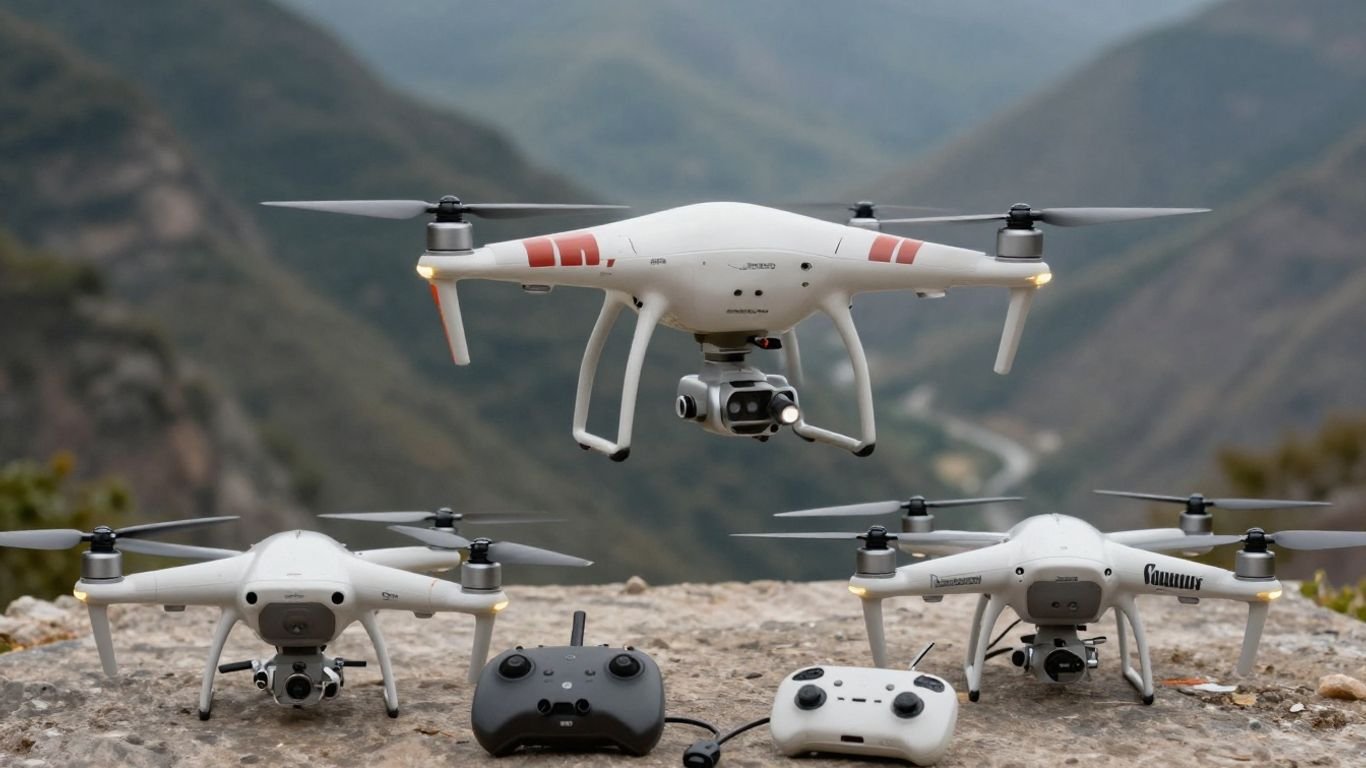
DJI Phantom 4 variants: A complete guide to the Pro, Advanced, and standard models

Key Takeaways
The Phantom 4 family includes several closely related aircraft, but their cameras, sensing systems, controllers, and second-hand value are not identical.
- The standard model remains a capable entry point into the Phantom 4 platform.
- The Pro version is the strongest choice when image quality and sensing matter most.
- The Advanced model sits between the standard and Pro versions in the lineup.
- Batteries, controllers, firmware, and regional hardware details deserve careful checking.
- Used buyers should prioritize battery condition, gimbal behavior, service history, and legal flying requirements.
Understanding the DJI Phantom 4 lineup
The Phantom 4 family is easier to understand when treated as a platform with several hardware revisions, rather than as one drone with optional features. Body design, camera hardware, sensing equipment, transmission, and included accessories can vary between versions. The name on the box is only the beginning of the buying decision.
What the standard Phantom 4 introduced
The standard Phantom 4 established the familiar shape of the series with a sturdier body, slimmer arms, a three-axis gimbal, and push-and-release propellers. Its intelligent 4S LiPo battery was documented as providing up to 30 minutes of flight time, though real results depend on conditions and battery age. For someone learning aerial composition or simply wanting a straightforward camera aircraft, that foundation is still meaningful.
The design also made setup less fiddly than earlier generations. That does not make an older aircraft maintenance-free, however. A used example needs a careful inspection of its battery, motors, gimbal, props, and controller before it earns a place in a flight bag.
How the Phantom 4 Pro improved the platform
The DJI Phantom 4 Pro moved the platform toward more serious imaging and sensing. Its documented camera uses a one-inch CMOS sensor with 20 million effective pixels, a 24 mm-equivalent lens, adjustable aperture from f/2.8 to f/11, and autofocus from one metre to infinity. The aircraft also includes forward, backward, and downward vision systems, along with an infrared sensing system.
Those additions matter most to photographers who routinely work with fine detail, changing light, or subjects moving across the frame. They also add more hardware to inspect when buying used. A clean-looking shell cannot tell you whether every sensor and camera function is operating correctly.
Where the Phantom 4 Advanced fits
The Advanced belongs to the same broad Phantom 4 family but should be evaluated as its own hardware variant, not assumed to be identical to either the standard or Pro model. Product listings can blur those distinctions, especially when sellers reuse stock photographs or shorten the model name. Compare the exact aircraft, controller, camera, and firmware information shown in the listing.
A useful approach is to write down the features you actually need before comparing prices. If you only need stable aerial photographs and ordinary video, the standard model may be sufficient. If your work depends on the Pro camera or its documented sensing hardware, a cheaper Advanced listing may not be an equivalent substitute.
Key differences between regional and hardware variants
Regional packaging, radio equipment, controller bundles, and software support can affect the ownership experience. V2.0 hardware also appears in support documentation with its own specifications, so the exact model marking matters more than a seller’s casual description. Ask for photographs of the aircraft label, remote controller, battery, and charger.
Documentation is part of the product. The older Phantom 3 guide is useful as a reminder that model names can conceal meaningful differences in cameras, transmission systems, and positioning hardware, even though it covers an earlier family.
Comparing Phantom 4 cameras and image quality
The camera is usually the clearest dividing line between Phantom 4 variants. Sensor dimensions, resolution, shutter design, lens behavior, video settings, and file formats all influence the final image. A larger specification is not automatically better for every pilot; the right choice depends on whether you shoot stills, movement, landscapes, or edited video.
Sensor size, resolution, and photo formats
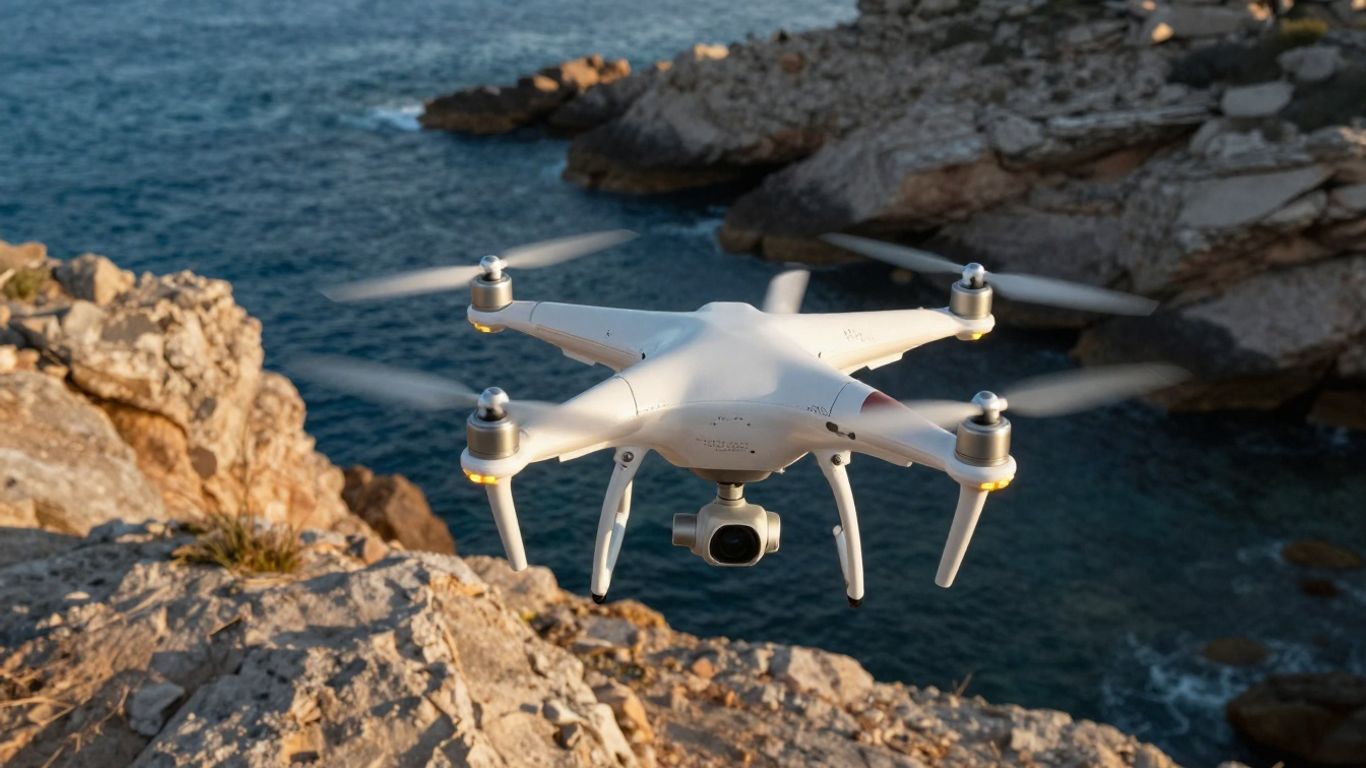
The Pro camera’s one-inch CMOS sensor and 20-million-effective-pixel specification give it a different starting point from a smaller imaging system. Its 3:2 image size is listed as 5472 × 3648, while the lens is described as an 8.8 mm lens equivalent to 24 mm in the 35 mm format. That combination suits photographers who want room to crop while retaining a natural wide aerial perspective.
Look beyond megapixels when comparing a used aircraft. Lens condition, focus behavior, gimbal alignment, and the camera’s ability to save clean files may matter more than a small difference in resolution. For a broader workflow, a practical photography SEO guide can help explain why image preparation and discoverability matter after the flight, not just during it.
Mechanical shutters and rolling-shutter performance
A mechanical shutter is particularly useful when the aircraft is moving or the subject contains straight lines and repeated patterns. The Pro specifications list a mechanical shutter speed from 8 to 1/2000 second and an electronic range from 8 to 1/8000 second. That gives the photographer more control over how motion and exposure are recorded.
Rolling shutter can still appear in electronic capture, especially with fast movement or rapid panning. Smooth control inputs, sensible shutter choices, and deliberate flight paths help, but no camera setting can rescue every hurried movement. The best comparison is often a set of test images made in similar light rather than a screenshot of specifications.
Video resolutions, frame rates, and codecs
Video work requires a separate comparison from still photography. Check the exact resolution, frame-rate, codec, colour profile, and storage requirements for the model and firmware you are considering. Older aircraft may also require a workflow that is less forgiving of slow cards or outdated editing software.
If your aerial footage is intended for mobile audiences, the principles in this social media video guide are relevant even though they are not drone-specific. Framing, safe zones, pacing, and a clear purpose still matter when the camera is high above the ground.
Which model is best for aerial photography
For demanding still photography, the Pro is the most straightforward choice because its documented one-inch sensor, adjustable aperture, autofocus, and mechanical shutter address several common aerial-imaging needs. The standard model can make more sense for casual photographs, learning, and a lower purchase price. The Advanced should be judged by its confirmed hardware rather than by assumptions based on its name.
The practical decision is therefore less about declaring one universal winner and more about matching the camera to the assignment. A photographer making large, detailed images has different priorities from a pilot capturing occasional family footage or travel clips.
Flight performance, safety, and intelligent features
Flight behavior is shaped by more than the advertised maximum speed or flight time. Sensors need suitable surfaces and light, batteries lose capacity with age, and radio performance depends on the environment. Intelligent features can assist a careful pilot, but they do not remove the need for line of sight, pre-flight checks, and local compliance.
Obstacle sensing and obstacle avoidance
The Pro support specifications identify forward, backward, and downward vision systems, plus infrared sensing. They also describe operating ranges and environmental requirements, including adequate lighting and surfaces with clear patterns for the vision system. That wording matters: sensing performance is conditional, not a guarantee that every obstacle will be detected.
Fly with extra caution around thin branches, reflective surfaces, low light, water, and cluttered backgrounds. Even when an aircraft has sensing hardware, the pilot remains responsible for choosing a safe route and allowing enough room to stop or turn.
Flight time, range, and transmission systems
Published flight time is a test condition, not a promise for every battery. Wind, temperature, payload, aggressive inputs, and battery age all reduce the useful reserve. Transmission quality likewise changes with interference, terrain, orientation, and regional equipment.
For a used aircraft, ask whether the controller and aircraft were sold as a matching set. A bargain body paired with an uncertain controller can be less useful than a complete kit with clear provenance. Keep a conservative return margin rather than planning to land only when the battery is nearly empty.
Intelligent Flight Modes and subject tracking
Intelligent flight features vary by model, software version, and operating conditions. Treat them as tools for repeatable movements and framing assistance, not as substitutes for learning orientation, altitude control, and emergency procedures. Practice each mode in a wide, open area before using it near people or property.
Subject tracking deserves particular care. A subject can pass behind an object, blend into the background, or move beyond the system’s useful view. A human pilot should be ready to cancel the mode immediately and take direct control.
How firmware affects flight features
Firmware can change compatibility, available functions, warnings, and the behavior of connected equipment. Before updating, identify the aircraft and controller precisely, charge the batteries, and read the release notes. Keep records of the versions installed so that a later troubleshooting session has a clear starting point.
A firmware update is not a reason to skip a physical check. Props, motors, sensors, gimbal movement, and battery condition still deserve attention after software work.
Choosing the right DJI Phantom 4 model
Choosing among the variants is mostly a question of priorities, condition, and price. A newer-looking shell does not necessarily mean a healthier battery or better camera. Think in terms of the complete kit and the work you want it to perform.
When the standard Phantom 4 is enough
The standard model is enough for a pilot who values the core Phantom 4 flying experience and does not need the Pro camera specification or expanded sensing hardware. It can be a sensible learning platform when purchased in good condition with a healthy battery and matching controller. The lower cost may also leave room for spare props, storage, and training flights.
Its age should still be acknowledged. Expect to spend time checking firmware, charging behavior, gimbal startup, and the condition of plastic and rubber components.
Reasons to choose the Phantom 4 Advanced
The Advanced makes sense only after its exact equipment has been confirmed. Ask the seller for the model number, camera details, controller type, included accessories, and a current test recording. This avoids paying for an assumed feature set that the particular unit may not have.
It can appeal to a buyer who wants a particular middle position in the lineup, but the value depends heavily on condition and availability. When two used listings cost nearly the same, clearer documentation and a healthier battery may be more valuable than a small difference in model age.
Who benefits most from the Phantom 4 Pro
The Pro is best suited to photographers and operators who will actually use its documented one-inch camera, adjustable aperture, autofocus, mechanical shutter, and additional sensing systems. Those features are easier to justify when the work involves detailed stills, moving subjects, or more demanding exposure control. For occasional recreational flights, they may not offset the added cost.
Before buying, compare sample files rather than relying only on a product description. A camera with a clean lens and correctly functioning gimbal is more useful than a technically superior model that has been poorly stored.
New and used buying considerations
New stock may be limited for an older platform, so used buying is common. Ask for a power-on video, a gimbal initialization clip, battery-cycle information if available, and close photographs of the arms, motors, landing gear, camera glass, and controller ports. Also confirm whether the charger and cables are included.
Read policies carefully. A general Warranty and Services page from another equipment category is not a Phantom warranty, but it illustrates why coverage, exclusions, misuse, and claim procedures should be read rather than assumed. The word title can also mean different things in different contexts; on a listing, make sure the stated model title matches the hardware shown.
Accessories, batteries, and compatibility
Accessories can determine whether an older aircraft is pleasant to use or a constant source of interruptions. Batteries, chargers, props, storage cards, cables, and controllers should be checked as a system. Compatibility is not guaranteed simply because two items carry the Phantom name.
Controller and display compatibility
Confirm that the remote controller belongs with the aircraft variant and that its display or mobile-device connection works as expected. Inspect the sticks, antennas, ports, clamps, and battery compartment. If a listing includes a controller from another bundle, ask whether it was tested with that exact aircraft.
A spare cable is inexpensive compared with a missed flight, but it should still be the correct type and length for the intended device. Avoid building a kit from unverified parts until the aircraft has completed a basic connection test.
Batteries, chargers, and charging hubs
The platform uses intelligent 4S LiPo batteries, and the original review material notes that older Phantom batteries are not compatible with the Phantom 4 design. Batteries should be stored appropriately, charged under supervision, and retired if they swell, become unusually hot, or show physical damage.
For a used purchase, check whether all batteries behave similarly. One weak pack can make a bundle look cheaper while leaving you with very little dependable flight time.
Propellers, gimbals, and replacement parts
Propellers should be free from cracks, deep scratches, warping, and questionable repairs. Replace damaged parts rather than trying to make them last through another flight. The gimbal should move smoothly during startup and remain level when the aircraft is stationary.
Replacement parts may be easier to find through specialist sellers than official channels for an older platform. Verify the exact variant before ordering, especially for camera, gimbal, controller, and battery components.
Storage cards and essential accessories
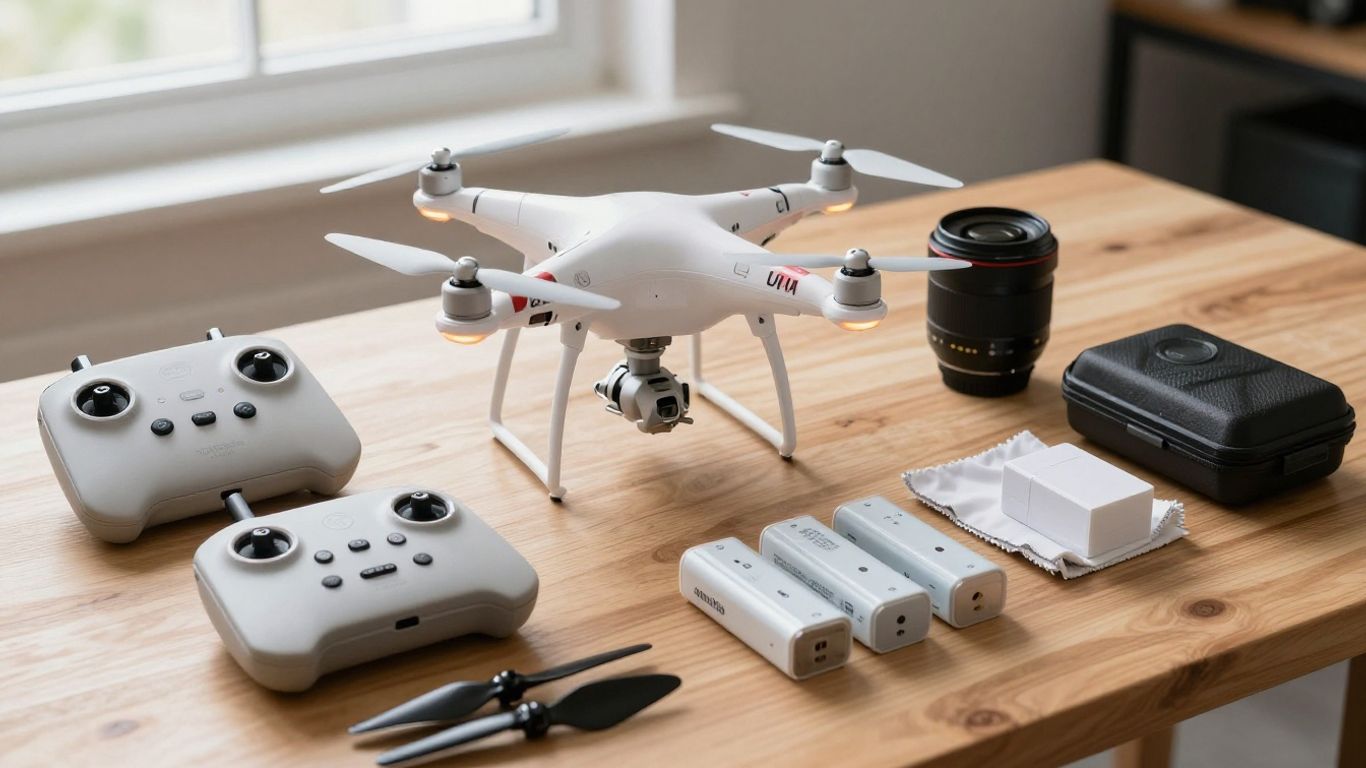
Use a compatible, reliable storage card and test it before an important shoot. A card that works for photographs may still fail during sustained video recording. Keep spare props, a landing surface, lens cloth, cable, and a safe battery bag together in the case.
A small checklist is more useful than a case full of random extras. Before leaving home, confirm these basics:
- Charged aircraft and controller batteries
- Formatted, tested storage card
- Undamaged propellers and clean camera glass
- Correct cables, spare props, and landing area
That short routine catches many preventable delays before the aircraft reaches the launch point.
Using and maintaining a DJI Phantom 4 today
An older drone can remain useful when it is treated as aircraft rather than disposable electronics. Maintenance begins before the motors start and continues with careful storage, software records, and honest decisions about weather and regulations. The goal is predictable behavior, not simply getting one more flight from a tired kit.
Checking battery health before flight
Look for swelling, cracked casing, damaged contacts, unusual heat, and sudden percentage drops. Let batteries cool after use before charging them, and do not fly a pack that behaves differently from the others without investigating why. Flight time should be planned around a conservative landing reserve.
Battery age is especially important in a used purchase. A seller’s statement that a pack “holds charge” is not the same as evidence that it performs safely under load.
Updating firmware and the DJI app
Use the official download and support material for the exact model, including the Phantom 4 Pro downloads when that is the aircraft being maintained. Record firmware versions before changing anything, and make sure the controller, aircraft, and app can communicate after the update.
Do not interrupt an update or rely on a nearly empty battery. If an update fails, stop repeating the process blindly and document the error, version numbers, and equipment involved.
Calibrating the aircraft, compass, and gimbal
Calibration should follow the manufacturer’s guidance and take place away from vehicles, reinforced concrete, magnets, and other sources of interference. A gimbal calibration can help after transport or a noticeable level problem, but it cannot repair a bent mount or impact damage.
If the aircraft suddenly requests repeated compass calibration, treat that as information rather than an annoyance. Move to a better location, inspect the aircraft, and avoid launching until the cause is understood.
Understanding current regulations and limitations
Rules vary by country, region, airspace, aircraft weight, and purpose of flight. Check current official requirements for registration, remote identification where applicable, operating near people, visual line of sight, and restricted areas. An old product page cannot replace current regulations.
Weather and surroundings matter too. Wind, rain, cold, buildings, trees, crowds, and poor visibility can turn a routine flight into a recovery problem. When conditions are uncertain, postponing the flight is a legitimate safety decision.
Common problems and troubleshooting steps
Troubleshooting works best when it moves from simple causes to complex ones. Start with power, cables, connections, storage, and visible damage before assuming a board or sensor has failed. Change one thing at a time and write down what happened.
Connection and transmission issues
Check that the aircraft and controller are charged, powered in the recommended order, and paired with the correct app and cable. Move away from heavy interference and confirm that the controller’s antennas are positioned sensibly. If the connection drops, keep the aircraft in a safe, visible position and follow the configured return or landing procedure.
A factory reset should not be the first response. Preserve logs, screenshots, firmware versions, and the exact sequence of events so that support or a repair technician has useful information.
Gimbal, camera, and focus problems
Remove the gimbal clamp before startup and inspect the camera glass, mounting area, and ribbon cables for obvious damage. A level surface and a proper gimbal calibration may resolve a minor alignment issue, while soft images can also come from dirty glass, incorrect focus, vibration, or a damaged lens.
Test photographs and video in good light, then review the files on a larger screen. If the fault appears in every file, stop flying for paid or important work until the camera and gimbal have been assessed.
Battery warnings and reduced flight time
Reduced flight time can result from age, cold weather, wind, heavy control inputs, or a battery that is no longer balanced. Compare packs, monitor voltage and temperature warnings, and inspect the casing after every flight. Never continue using a swollen or physically damaged battery.
Land early when the readings become inconsistent. A cautious landing costs less than a forced descent, damaged camera, or lost aircraft.
Sourcing support, manuals, and replacement parts
Use model-specific documentation and keep the aircraft’s serial information available. The Phantom 4 Pro V2.0 support page is a useful reference for the V2.0 specifications, including its camera, gimbal, vision, and infrared-sensing details. For parts, match the exact variant and ask whether the item is new, refurbished, or removed from another aircraft.
When official repair options are limited, a reputable technician may still help with inspection or diagnosis. Avoid any repair that leaves you uncertain about propeller balance, battery safety, flight control, or the integrity of the gimbal mount.
Conclusion
The DJI Phantom 4 / variants (Pro / Advanced) are best compared through their actual hardware, not just their names. Match the camera and sensing features to your work, then give equal attention to batteries, controllers, firmware, maintenance, and current flight rules. A carefully checked used aircraft can still be worthwhile, while a rushed bargain can become an expensive grounded kit.
Frequently Asked Questions
Is a larger camera sensor always better for aerial photography?
Not always. A larger sensor can offer useful image-quality and exposure advantages, but the best choice also depends on lens behavior, shutter control, lighting, storage, editing needs, and the kind of subjects being photographed.
Should beginners buy the most advanced model?
Usually not automatically. Beginners often benefit more from a reliable, complete kit and time spent learning safe control than from features they may not use. Choose advanced hardware when your actual photography or flight work requires it.
What should I inspect first on a used drone?
Start with the batteries, camera glass, gimbal, propellers, motors, body, controller, and charging equipment. Ask for a powered-on demonstration and verify that the aircraft records a test image or video.
How much flight time should I expect from an older battery?
There is no dependable single figure. Age, storage, temperature, wind, battery condition, and flight style all affect performance. Plan conservatively and treat warnings or sudden percentage changes seriously.
Can firmware updates fix every flight problem?
No. Updates may address software or compatibility issues, but they cannot repair impact damage, worn batteries, broken sensors, dirty camera glass, or a damaged gimbal. Physical inspection remains essential.
What weather is safest for an older aircraft?
Calm, dry conditions with good visibility are generally easier to manage. Avoid rain, severe wind, poor light, and locations where obstacles or people leave little room for correction. Always check the current forecast and local restrictions.
Do drone regulations change over time?
Yes. Requirements can change with location, aircraft category, operating purpose, and airspace rules. Check current official guidance before each type of operation rather than relying on an old manual or listing.